
Use the model's US assumptions of 150 square feet per full-time equivalent and $32 per square foot a year, all in. For a hypothetical allocation using those inputs, the cost of office space per employee is 150 × $32 = $4,800 a year per full-time equivalent, then $4,800 ÷ 12 = $400 a month. It's a planning allocation, not cash you save whenever someone works from home.
A full-time equivalent, or FTE, expresses staffing as shares of a full-time role. It isn't a count of desks occupied at the same moment. I'd use the model to start the budget, then use your actual attendance and work to decide the space you need.
Check What the Rate Includes
The model's $32 includes an allowance for operating costs and utilities. It isn't a current quote for your city or a base rent to which you should automatically add the same costs again. Replace it with the complete occupancy costs for the space you're actually considering.
I'd use the proposed lease and supporting information to establish which costs your MSP will pay. Keep missing estimates visible until you can get them confirmed.
Put recurring occupancy charges in one section and one-time costs in another. State which services are included in the rent and which you pay separately. A cheaper headline rate doesn't settle the comparison if the spaces include different services.
Keep the bill's period clear. A rate per square foot per year must be multiplied by the area to get the annual amount; divide that result by 12 for the monthly planning figure. Don't compare it with a monthly quote before converting the units.
Build the Model Example With the Inputs Visible
For a hypothetical allocation using the example MSP's rounded 12.5 FTE, calculate 12.5 times 150 = 1,875 square feet, then 1,875 times $32 = $60,000 a year. The model's rent and facilities line is $59,999, with the difference coming from the rounded inputs used in this worked calculation.
That office allowance sits in general and administrative expenses, or G&A: the overhead used to run the business. The model names rent separately from the owner, office management, bookkeeping, and other overhead. The office allocation isn't the whole cost of employing someone.
Internal software and equipment also have their own model allowance of $3,600 per FTE a year. That covers the employee's internal technology, rather than the client delivery stack. Moving a person home doesn't establish that their laptop and software costs disappear.
Use those categories to keep the comparison honest. A cost already included in the current office rate shouldn't appear again under a new name. Equally, an item excluded from the rate needs a home in the budget before you compare locations.
Count the Work the Space Supports
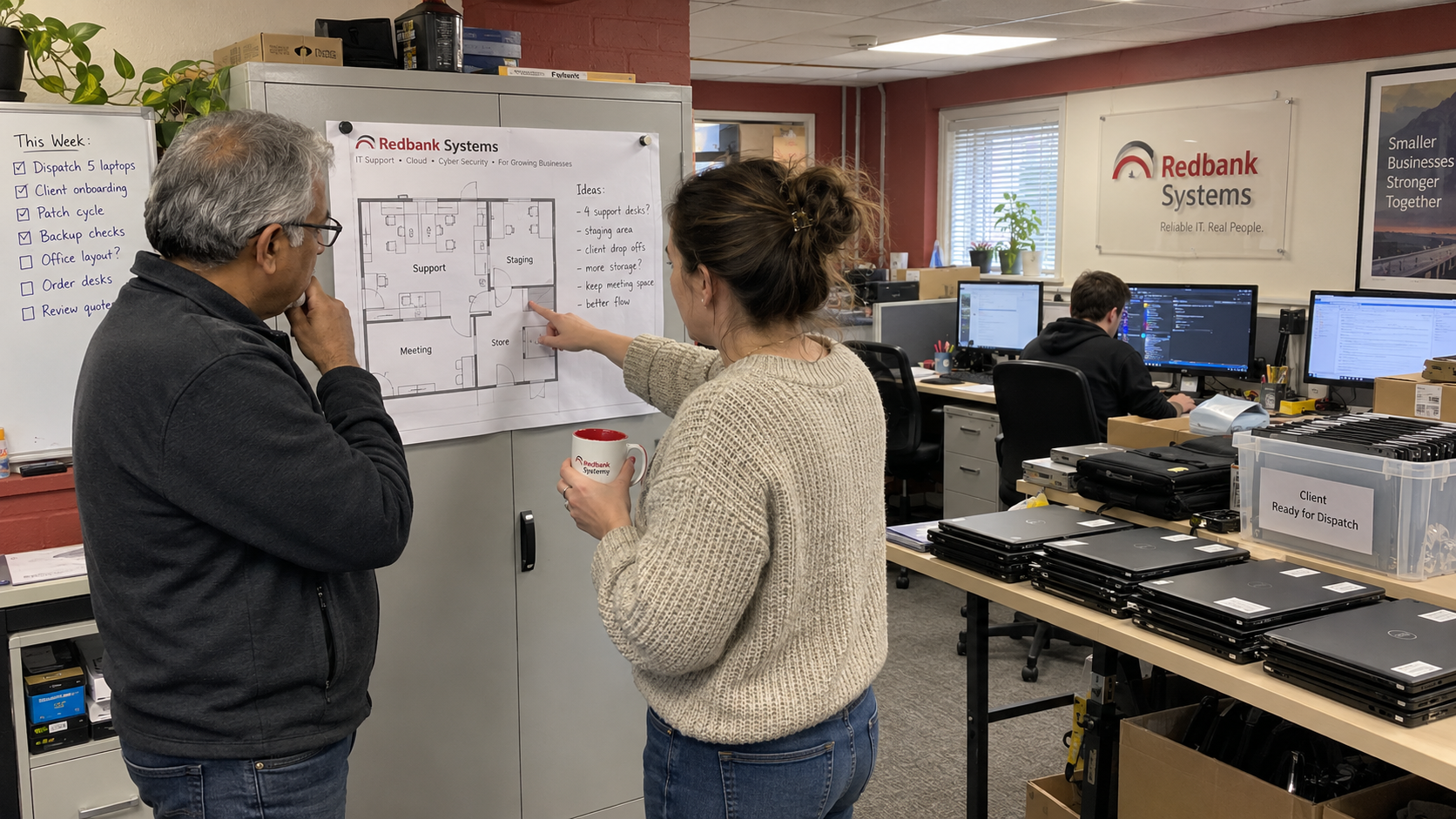
Map who needs to attend at the same time and what they do there. Desk work, client-device staging, deliveries, confidential conversations, and team learning can need different space. A floor plan with enough chairs can still fail the work you intend to perform.
Check your own peak attendance rather than dividing headcount by a chosen hybrid ratio. Record how that attendance changes when training, leave cover, or an onsite project brings people together. Use the pattern you can support, not a rule about how many days every MSP employee should attend.
Include where client equipment arrives, is prepared, and is collected or dispatched. Tas Gray describes using a distributor to reimage hardware and ship it directly to clients before remote enrollment, while Nick contrasts that with deployments that still need onsite work. That's a practitioner account of a different route, not evidence that every MSP can remove its staging area.
If you propose changing that route, establish who will do the work and what it costs. Don't remove the space from the budget while leaving the task unassigned. An empty chair doesn't renegotiate a lease.
Compare the Current Office With Real Alternatives
I'd compare the current arrangement, a smaller office, and a remote arrangement using the same cost headings. The alternatives need actual quotes and an operating plan. A remote option may still need somewhere for equipment and occasional in-person work.
| Cost or Work | Current Office | Smaller or Remote Arrangement |
|---|---|---|
| Recurring occupancy | Rent and included services, plus separately billed occupancy costs. | The actual reduced-space commitment and any remaining physical facilities. |
| Employee technology | Current internal equipment and software already being paid for. | What continues, what changes, and any genuinely additional equipment or support. |
| Client equipment handling | The people and space used for receipt, staging, and dispatch. | The proposed location, responsible person, and quoted service or delivery costs. |
| Working together | The current arrangement for supervision, training, and confidential meetings. | The planned access to colleagues and any required meeting space. |
| Transition | Existing obligations and costs that continue through the change. | Moving, setup, overlapping commitments, and work needed to make the arrangement usable. |
Michael Nelson describes an informal video space where remote technicians could approach an escalation engineer between scheduled meetings. That's his staffing-provider account of access to colleagues. If you remove shared office time, decide how your own team will get the help it needs; don't book a saving while assuming that access will arrange itself.
Keep service outcomes in the decision. Check whether the proposed arrangement still supports client visits, equipment work, and the roster you sell. A rent reduction that creates a different uncosted delivery obligation isn't the full comparison.
Separate Released Space From Reduced Payments
The model's area and rate give an allocated occupancy cost, rather than an automatic saving when a role becomes remote. The payment changes only where your actual arrangements let you reduce a cost.
Ask when a smaller footprint can change the bills and which obligations continue. Have the relevant lease terms checked before relying on an exit, reduction, or sublease in the forecast. Use the confirmed dates and costs rather than assuming an unused area can be returned immediately.
For the planning calculation, recurring savings equal the old recurring costs less the new recurring costs and any additional recurring costs created by the change. Keep one-time transition spending separate. A payment that merely moves to a different supplier hasn't vanished.
If the net monthly saving is positive and stable, simple payback is the one-time transition cost divided by that monthly saving. It estimates how long those savings take to recover the initial spending, before tax and financing effects. If costs or savings change during the period, use the dated cash forecast instead of treating the simple result as a promise.
Make the Decision From the Cost You Can Change
Put each payment on its actual schedule and include any overlap between locations or arrangements. Keep the recurring result beside the initial cash requirement. A plan can reduce later spending while needing cash to make the change first.
Then assign the operational work. The service lead confirms how equipment handling and support will run; the office owner confirms the physical arrangements; finance checks the cost scope. The MSP owner decides whether the resulting service and cash commitment are acceptable.
Start by dividing your complete current occupancy cost by the staffing basis you intend to use, and label that basis. Then get a comparable quote for the footprint you can actually operate. Approve the change from the bills it reduces and the work it still supports, rather than the number of desks it removes.

mspoutpost.com/articles/cost-of-office-space-per-employee-find-the-cash-saving
Written by Graham Whitfield
MSP Outpost publishes information, not legal, financial, insurance, tax or compliance advice, and reading it creates no professional relationship. For decisions about your business, talk to a qualified professional.