
The model puts 5% of tickets outside business hours. That is a workload assumption, not a measure of when serious incidents occur. For managing client expectations, publish the hours and escalation arrangements your small MSP can actually cover.
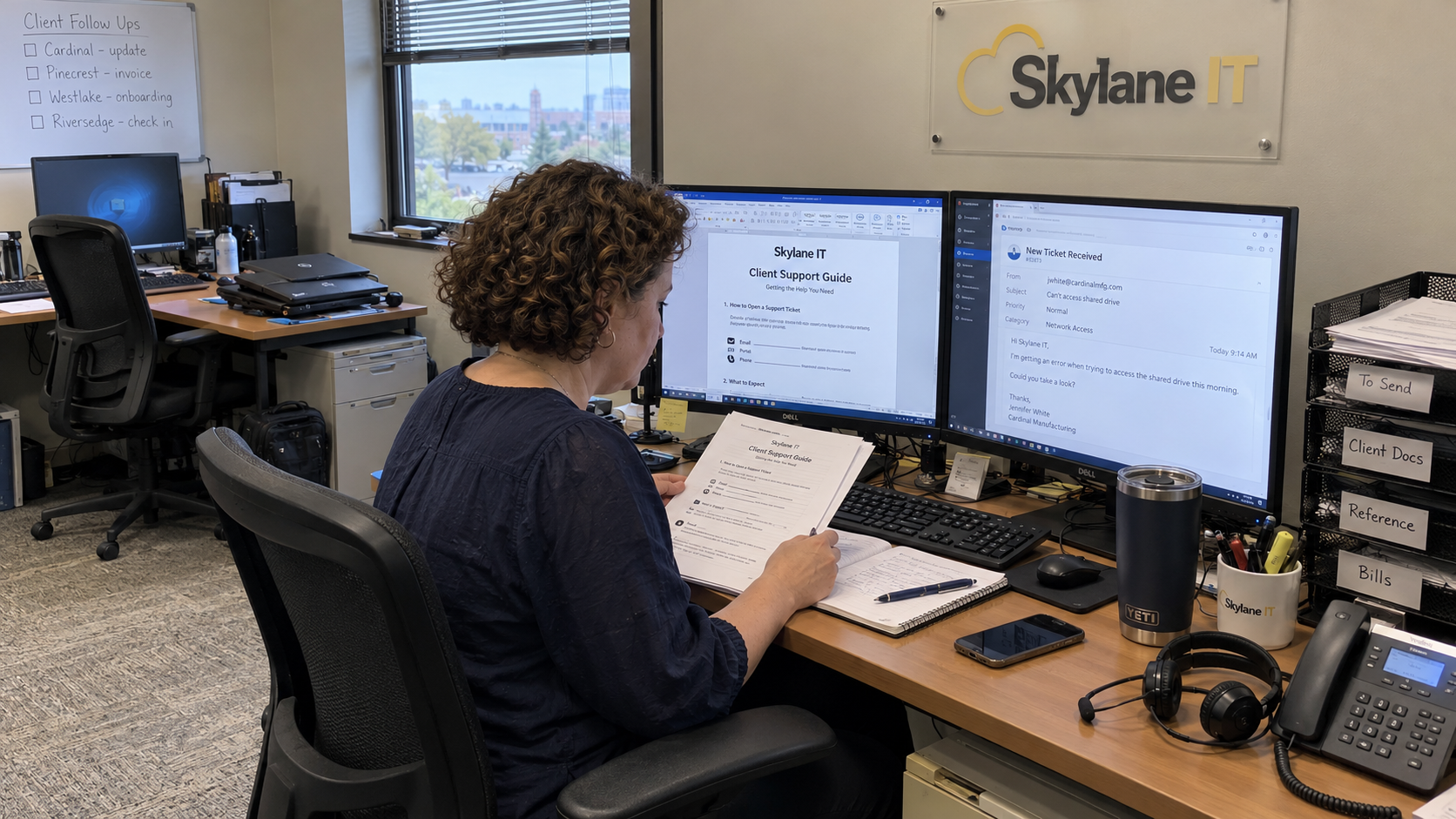
I'd give the client a short support guide backed by the agreement. Explain what happens after they submit a request and what requires the urgent route. Make the acknowledgment accurate without implying that a technician has started work when nobody has.
Write the Support Promise Before Writing the Reply
Set the actual service hours, including the time zone. State how holidays or planned absences are handled under the agreement. If a backup is part of the promise, confirm that person or provider has accepted the responsibility.
The model favors a flat monthly fee with clear inclusions and exclusions. Put support availability in that same plain language. A client should be able to find out what service they bought without inferring it from when you happened to answer a message.
For a solo owner, I'd check who covers a commitment when you're already occupied or unavailable. If the answer is nobody, resolve the service boundary or coverage arrangement before promising it. A mobile phone is not a staffing plan.
Separate Receipt From a Human Response
Define what your acknowledgment means in your own workflow. If it confirms that a request entered the ticket system, say that. Don't describe it as technical review or imply a resolution time that hasn't been established.
A receipt message can say: "We received your request and created the ticket shown here. Our team will review it under your support agreement. If the issue meets your urgent criteria, use the escalation route below." Include the real reference and route only when they exist.
Define the human response the client can expect separately. State what that commitment requires your team to do and when its clock applies. Then make the workflow capable of producing it, with someone watching for a missed commitment.
Matt Linn recalls an early Thread message setting a hard-coded queue expectation that upset some users when they waited longer. That is his account of a vendor message. I'd use it as a reason to inspect every automatic promise before turning it on.
Give Requests a Route the Team Watches
Tell the client where normal requests belong and who monitors that route. Explain how to add information to an existing ticket. Don't publish a route that quietly depends on a technician noticing a personal message.
Nick Clift describes discussing a shared request process with clients and supporting it through training and documentation. He also gives an example where the client's fixed process required custom work at the MSP. The useful point is to agree the arrangement and its reason rather than assuming every client can adopt the same workflow unchanged.
Keep the request instructions consistent with the agreement and onboarding. If another channel must be supported, assign its intake work. A client shouldn't have to guess which message will reach the current duty person.
Skip the customer-engagement jargon. Write who reads the request and what they do next. If that answer changes during leave, update the coverage instructions before the absence.
Explain the Urgent Route Before It Is Needed
Agree what urgency means for the client's supported work. Record the affected service and business impact when a request arrives. Don't rely on the client choosing the right priority label without giving them a usable explanation.
The model uses an on-call engineer as the default after-hours arrangement. An on-call arrangement is a specific coverage plan, not proof that every request will get ordinary desk service at any hour. Publish the actual eligibility and escalation route you have agreed.
An off-hours reply can say: "Our normal support desk is currently closed. For an issue covered by your after-hours service, use this contact route. Other requests remain in the normal queue for review during your agreed support hours." Replace that wording if your actual arrangement differs.
Todd Kane recommends making response expectations explicit for messages sent outside normal hours. Heather Denniston describes a client using an off-hours reply with a phone route for urgent matters. Those communication examples support clarity; they don't establish that your MSP already has that coverage.
Test who receives the escalation and what happens if they cannot take it. Make the backup and authority to call for help explicit. Don't let a successful automated acknowledgment stand in for that test.
Assign the Checks to Real People
I'd use the following checks before sending the support guide. In a tiny MSP the same person may hold several responsibilities. Name them anyway so a backup can see which duty needs covering.
- The owner confirms that published hours and service commitments match the agreement and available coverage.
- The intake owner checks that requests reach the shared queue and acknowledgments describe the actual receipt state.
- The duty lead watches response commitments and assigns a person to any request needing action.
- The on-call owner tests the agreed urgent route and confirms the escalation backup.
- The account owner explains the guide to the client and records an agreed exception or question.
Use an actual request to check the wording against the workflow. Follow it from the client route through receipt to the person taking the next action. Correct the guide or the workflow where they disagree.
Send the Next Update When You Said You Would
When a technician responds, give the client a concrete next action and an update point the technician can support. If diagnosis is incomplete, say what is being checked. Don't fill the gap with a confident repair estimate just to make the reply sound useful.
If the plan changes, update the client and the ticket. Keep a dependency on the client separate from work still assigned to your team. The next duty person needs to see both without reconstructing the conversation.
Rich Freeman suggests checking an MSP's own published contact journey as a secret shopper. Use that approach to test the phone and request routes you tell clients to use. Record what happens rather than assuming the instructions work because they are printed.
Put the Promise on the Board
What does this do to the board on Monday morning? It should show which requests need a human response and who owns the next action. Read the queue against the promise you sent the client.
Start with the acknowledgment and off-hours reply your MSP currently sends. Check each sentence against the actual duty arrangement, then give the corrected guide to the client. Reliability begins with a commitment the team can identify and carry.

mspoutpost.com/articles/managing-client-expectations-for-your-small-msp-team
Written by Megan Friesen
MSP Outpost publishes information, not legal, financial, insurance, tax or compliance advice, and reading it creates no professional relationship. For decisions about your business, talk to a qualified professional.