
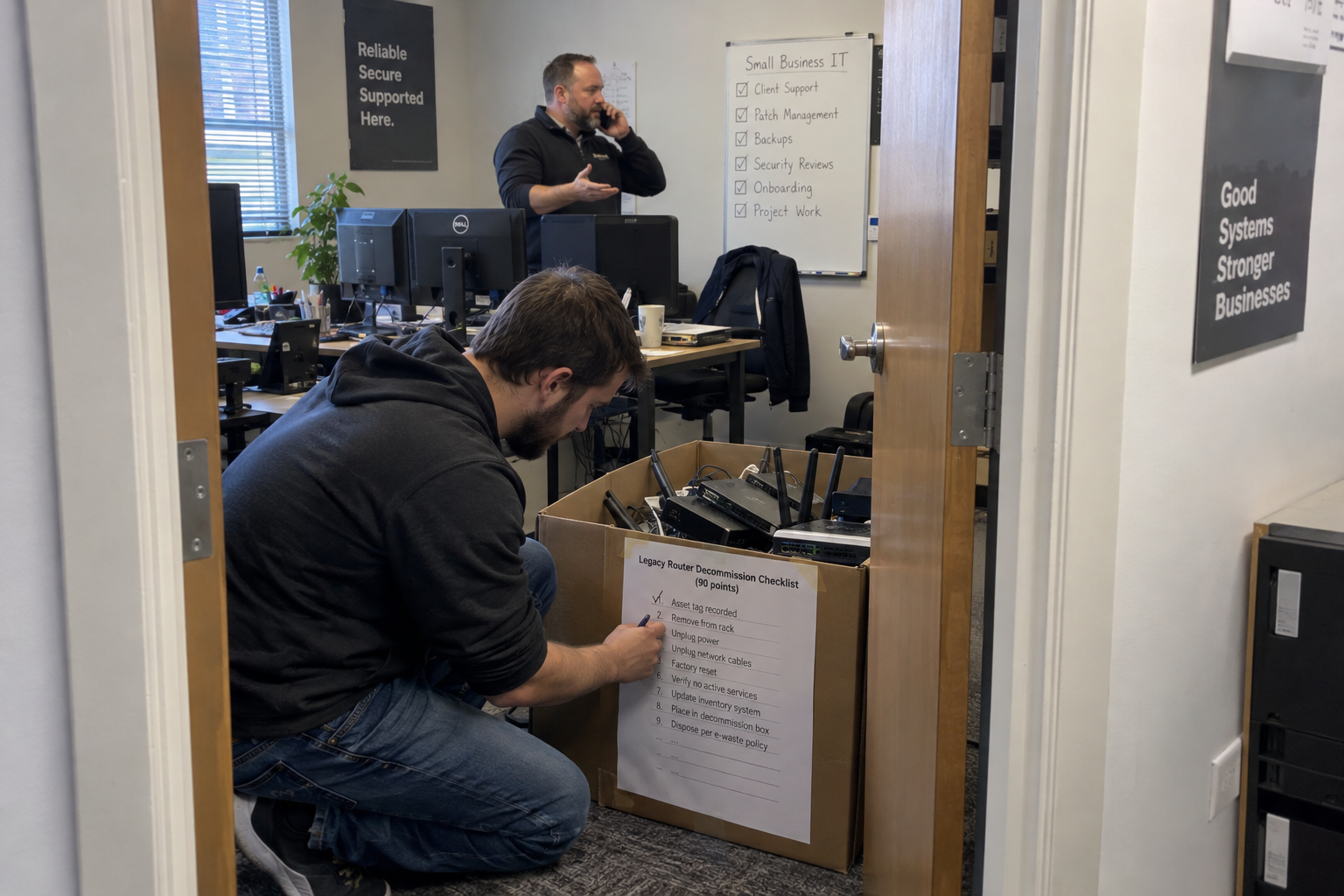
An MSP client onboarding checklist should cover access, systems, documentation and the client’s first contact with support. Organize it into phases, assign an owner and remove steps that do not apply to the client.
Picture a mid-sized client, 50 users, a legacy file server. Without the checklist, you discover the missing network drive mapping after go-live, when the CFO can't reach the finance folder. With it, that point gets checked before anyone notices. The checklist catches the small things that become big tickets.
What Belongs on the Checklist (and What Doesn't)
The test for every point is simple: does it affect service delivery? If it prevents a ticket or speeds up resolution, it belongs. If it doesn't, cut it.
"Verify backup job runs" belongs. "Order a welcome gift" does not. That test keeps the list from bloating, and it's the judgment call that decides what stays.
And the list isn't one-size-fits-all. My read: a 10-user client with no legacy systems might need only 40 of the 90 points. The checklist is a starting point, and you trim it per client based on size and complexity. That's the second judgment call: knowing what to drop before you start.
Phase It: Discovery, Setup, Migration, Testing, Go-Live, and Post-go-live
Order matters as much as content. Break the 90 points into six phases so you can track progress and catch issues early. Use the following proposed checks with your existing PSA and RMM, and a single onboarding owner who has focused time.
Replace each role below with a named person on the project board. Record the result and supporting evidence against each applicable point. For a point you remove, record why it does not apply; agree custom steps for systems outside this starting list.
Discovery
| Point | Proposed Check | Owner |
|---|---|---|
| 1 | Confirm the signed service scope and record the support start date. | Onboarding owner |
| 2 | Name the client sponsor and the person authorized to approve changes. | Onboarding owner |
| 3 | Name the onboarding owner and reserve focused time away from daily tickets. | Service delivery manager |
| 4 | List the sites and their support contacts. | Onboarding engineer |
| 5 | Reconcile the user list with the client’s approved roster. | Client sponsor |
| 6 | Inventory the computers and record their assigned users. | Onboarding engineer |
| 7 | Inventory the servers and record their service roles. | Onboarding engineer |
| 8 | Record network devices and their management addresses. | Network engineer |
| 9 | Map the internet connections and record provider escalation contacts. | Network engineer |
| 10 | Identify identity systems and the authorized route for administrative access. | Identity engineer |
| 11 | Record domain ownership and identify who controls DNS changes. | Identity engineer |
| 12 | List business applications and obtain the client’s critical-workflow priorities. | Onboarding owner |
| 13 | Identify the file locations and permissions needed for those workflows. | Onboarding engineer |
| 14 | Record backup coverage and agree recovery priorities with the client. | Backup engineer |
| 15 | Record discoveries outside scope and obtain a decision before scheduling changes. | Onboarding owner |
Setup
| Point | Proposed Check | Owner |
|---|---|---|
| 16 | Create or verify the client record in the existing PSA. | PSA administrator |
| 17 | Enter authorized contacts and approval responsibilities in the PSA. | PSA administrator |
| 18 | Check that the PSA agreement reflects the signed scope. | PSA administrator |
| 19 | Set the agreed support hours and escalation contacts. | Service delivery manager |
| 20 | Create the client’s RMM organization and sites. | RMM administrator |
| 21 | Assign approved device naming rules and groups. | RMM administrator |
| 22 | Check RMM enrollment against the asset inventory. | RMM administrator |
| 23 | Apply the agreed monitoring policy and document exclusions. | RMM administrator |
| 24 | Route monitoring alerts to a named PSA queue. | RMM administrator |
| 25 | Create the documentation location and assign access permissions. | Onboarding engineer |
| 26 | Store approved credentials through the agreed vault process. | Identity engineer |
| 27 | Verify named technician access within the client’s authorization. | Identity engineer |
| 28 | Prepare the approved security-agent policies and deployment scope. | Security engineer |
| 29 | Prepare backup jobs for the agreed protected systems. | Backup engineer |
| 30 | Record the approval, maintenance window, and rollback instructions for each planned change. | Onboarding owner |
Migration
| Point | Proposed Check | Owner |
|---|---|---|
| 31 | Confirm which migrations are included and mark the rest as not applicable. | Onboarding owner |
| 32 | Obtain client approval for the cutover sequence and affected services. | Onboarding owner |
| 33 | Confirm the source data and destination for each approved move. | Migration engineer |
| 34 | Verify the agreed recovery copy before changing production data. | Backup engineer |
| 35 | Record the existing permissions before migration. | Migration engineer |
| 36 | Stage the destination storage and check its agreed capacity. | Migration engineer |
| 37 | Copy an approved test set and compare it with the source. | Migration engineer |
| 38 | Apply the approved destination permissions. | Migration engineer |
| 39 | Migrate the approved file data within the agreed window. | Migration engineer |
| 40 | Update the agreed network drive mappings. | Onboarding engineer |
| 41 | Configure the approved mailbox changes. | Messaging engineer |
| 42 | Schedule approved DNS changes with the authorized domain administrator. | Network engineer |
| 43 | Configure the agreed business applications and record vendor dependencies. | Application engineer |
| 44 | Record incomplete transfers and exceptions for the testing phase. | Migration engineer |
| 45 | Apply the agreed go/no-go check before ending the migration window. | Onboarding owner |
Testing
| Point | Proposed Check | Owner |
|---|---|---|
| 46 | Test representative user sign-in with a client-approved test account. | Identity engineer |
| 47 | Confirm the agreed MFA enrollment and recovery arrangements. | Identity engineer |
| 48 | Test the authorized technician access route. | Identity engineer |
| 49 | Ask an authorized finance user to open the required mapped folder. | Onboarding engineer |
| 50 | Check that a user without permission cannot open the restricted test folder. | Onboarding engineer |
| 51 | Test agreed email sending and receiving paths. | Messaging engineer |
| 52 | Have the client test the agreed business-application workflow. | Application engineer |
| 53 | Confirm the required printers work for the nominated users. | Onboarding engineer |
| 54 | Test the agreed remote-work connection from an approved device. | Network engineer |
| 55 | Check backup-job completion and investigate any exceptions. | Backup engineer |
| 56 | Restore the agreed test data to a safe test location and record the result. | Backup engineer |
| 57 | Confirm the planned security agents report to their management console. | Security engineer |
| 58 | Trigger an authorized test alert and verify its PSA routing. | RMM administrator |
| 59 | Run a helpdesk test request through acknowledgment and escalation. | Service delivery manager |
| 60 | Record test evidence and assign an owner to each unresolved result. | Onboarding owner |
Go-Live
| Point | Proposed Check | Owner |
|---|---|---|
| 61 | Review unresolved tests and make the go/no-go decision with the client. | Onboarding owner |
| 62 | Obtain approval for accepted exceptions and their next actions. | Client sponsor |
| 63 | Confirm the cutover window and rollback decision authority. | Onboarding owner |
| 64 | Tell affected users when the support arrangement changes. | Client sponsor |
| 65 | Send the helpdesk contact details and agreed support hours. | Service delivery manager |
| 66 | Explain the urgent-request route and who receives it. | Service delivery manager |
| 67 | Confirm client leadership will reinforce the agreed ticket process. | Client sponsor |
| 68 | Explain how technicians should record or redirect walk-up requests. | Service delivery manager |
| 69 | Run a client introduction to the support process. | Account owner |
| 70 | Hand the service desk the tested access and system documentation. | Onboarding engineer |
| 71 | Review the client’s critical workflows with the receiving desk lead. | Onboarding owner |
| 72 | Activate the agreed monitoring and ticket-routing configuration. | RMM administrator |
| 73 | Confirm backup responsibility at the provider handover. | Backup engineer |
| 74 | Reconcile billable service items with the agreed effective dates. | Finance |
| 75 | Record client acceptance and the post-go-live review appointment. | Onboarding owner |
Post-go-live
| Point | Proposed Check | Owner |
|---|---|---|
| 76 | Review initial tickets for missing onboarding information. | Service delivery manager |
| 77 | Ask the client sponsor about unresolved access or workflow problems. | Account owner |
| 78 | Recheck the user and device inventory against enrolled systems. | Onboarding engineer |
| 79 | Review agent enrollment failures and assign their remediation. | RMM administrator |
| 80 | Review monitoring noise and approve any policy adjustments. | RMM administrator |
| 81 | Check backup exceptions and confirm the next recovery test. | Backup engineer |
| 82 | Review unresolved security-deployment exceptions. | Security engineer |
| 83 | Reconcile billed items with the accepted service scope. | Finance |
| 84 | Check that service desk staff can find the handover documentation. | Service delivery manager |
| 85 | Review overdue checklist items and name their next owners. | Onboarding owner |
| 86 | Have client leadership revisit ticket use where requests bypass the agreed route. | Account owner |
| 87 | Record actual onboarding time against the local planning allowance. | Onboarding owner |
| 88 | Agree the treatment of additional remediation with the client. | Account owner |
| 89 | Update the checklist from verified omissions and unnecessary steps. | Onboarding owner |
| 90 | Close onboarding only after documenting remaining work and its transfer to the agreed owner. | Onboarding owner |
Discovery needs a named owner who checks that the site survey and preparation are complete. One owner reported spending three weeks on cleanup after relying on someone else for that work, rather than a few days resolving the identified issues.
Users Make or Break Onboarding: Plan for Adoption
You can have the tech perfect and still fail if users don't use the new process. End-user adoption is part of onboarding, and it belongs on the checklist. One owner who onboarded a client that used to have internal IT described users walking up to techs instead of submitting tickets, which burned out the techs and created hallway tickets.
One owner described a meet-and-greet with a cookie cake and flyers explaining the helpdesk process. Another described a tapering on-site schedule, starting at three days a week and dropping to a half-day, while leadership enforced ticket use. The common thread I see: leadership has to back it. Without their enforcement, the plan fails.
Tell users how to contact the helpdesk and ask technicians to record requests through the agreed ticket process. Explain how hallway requests will be redirected so the work can be tracked.
Who Owns the Checklist and the Cleanup
A checklist without an owner is a list of good intentions. Assign a single onboarding owner, someone who can make decisions and has the authority to get access and information from the client. If that person is also handling daily tickets, they won't have the focus to do the job properly. You may need a second person to cover their other duties during onboarding.
The owner runs the checklist, and they also run the post-go-live review. That review is a scheduled, non-optional pass, one to two days of focused work, where they verify every point was completed and fix any gaps before they become chronic. Skipping it is how you end up with the mess you're trying to avoid.
When the Checklist Fails (and What to Do Instead)
A 90-point checklist is not a magic number. The right size for a client depends on their environment, and if you treat the list as a fixed template, it will choke on a client with unique systems. It also fails when no one is accountable, or when the client resists the process. Those are the circumstances to watch for, not excuses to abandon the checklist idea.
When the checklist feels like too much, you have three moves.
- Scale it down: a 10-user client with no legacy systems might need only 40 points.
- Automate the parts that are repeatable: one owner described using interactive Excel worksheets and RMM automation to streamline data collection and reported missing far less information.
- Consider outside help for work your team cannot cover. Agree the client-specific scope, acceptance checks, and responsibility for later adjustments before hiring anyone.
The honest costs, as planning figures to set against your own numbers rather than benchmarks: building the checklist takes roughly 10 to 20 hours of planning and documentation. Running it per client takes 2 to 3 days of focused work, depending on size. Maintaining it takes about 30 minutes a week. Use these as examples to check against your own figures, not as promises that every client will fit them.
Start With a 10-Point Pilot This Week
You don't build the full 90-point checklist on day one. Start with a 10-point pilot on your next onboarding. Pick the 10 points that would have prevented your last onboarding mess, and run them on the next client.
See what works, what you missed, and what you'd add. Then expand to the full 90.
Choose a client for the pilot, assign the onboarding owner and put the checklist on the project board. Review missed or unnecessary steps before using it on the next account.

mspoutpost.com/articles/msp-client-onboarding-checklist-a-technical-sop
Written by Megan Friesen
MSP Outpost publishes information, not legal, financial, insurance, tax or compliance advice, and reading it creates no professional relationship. For decisions about your business, talk to a qualified professional.