
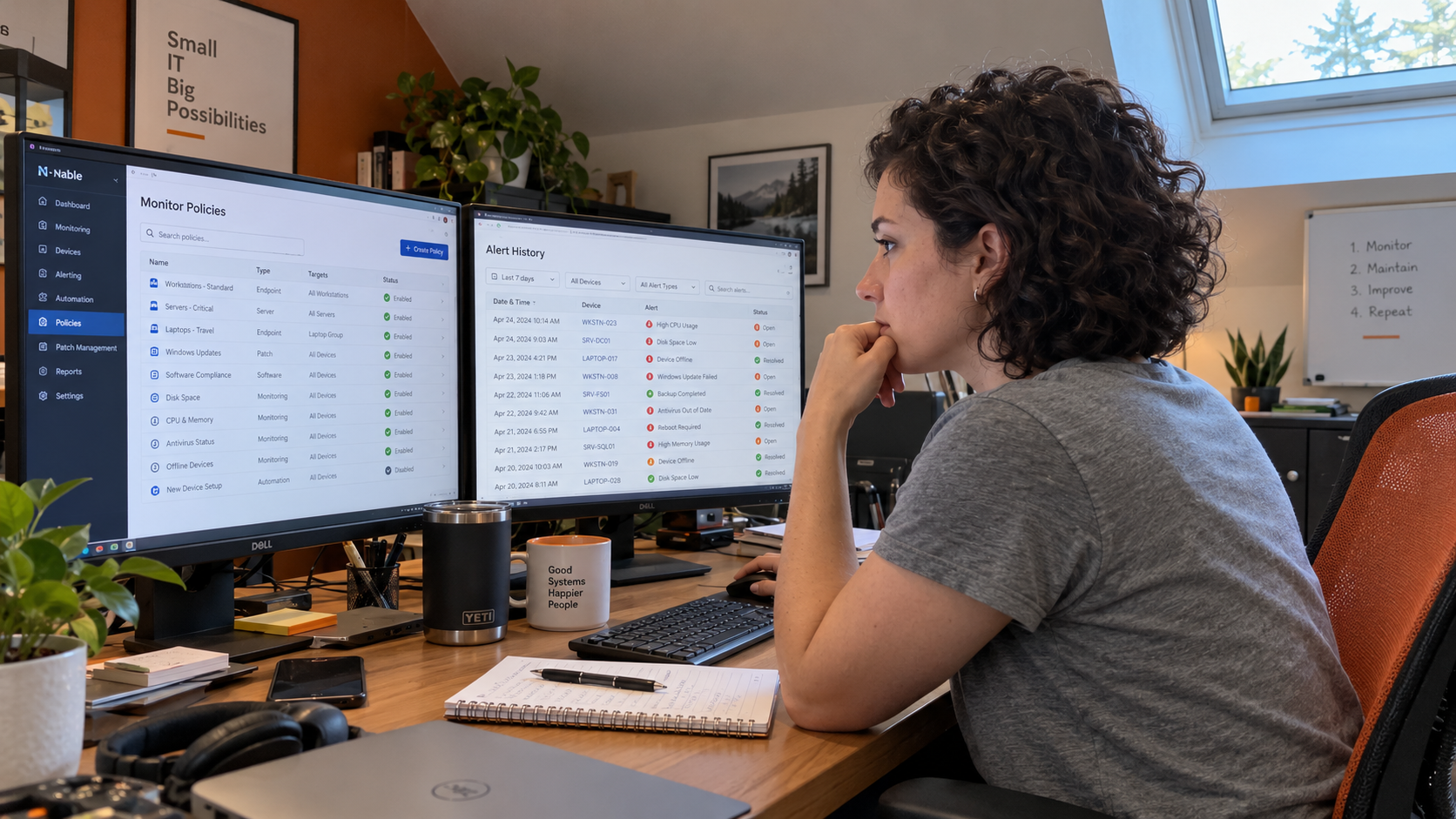
Say you run the model's 700 endpoints. At its allowance of 0.04 hours per endpoint each month, that's 28 hours of alert work. To reduce alert fatigue, compare your recorded hours with that assumption, then find which policies create work the desk doesn't need. Keep the coverage that catches real faults.
The MSP Outpost model puts RMM automation first. Residual alerts become desk work. Its 28-hour result is a planning example, not a limit your technicians must hit or proof that every extra hour is noise.
Picture a Monday board with repeated disk-space warnings beside a backup-failure ticket. The lead still needs that backup ticket seen and handled. I'd give a monitoring owner the job of fixing the policy work, with the service lead responsible for changes that affect the board.
Count the Hours the Desk Actually Spends
The monitoring owner pulls alert-related work for a stated period. Include investigation, follow-up, and manual checks. Use the monitored endpoint count for that same period. Divide the hours by endpoints to get your own monthly hours per endpoint.
The service lead checks the time records with the technicians. Were dismissals logged? Did follow-up land in another ticket? Did someone handle the alert outside the recorded workflow? Find those gaps before declaring the desk unusually efficient.
Keep the device population in the comparison. Added clients, different services, and changed monitoring can move the result. A smaller total could mean less work, missing records, or missed faults. The owner needs to establish which explanation fits.
Use the result to choose work to inspect. Don't tell the team to close alerts faster while leaving the policy untouched. The policy owner needs to change the work.
Follow the Work From Monitor to Ticket
The monitoring owner chooses a policy that creates visible desk effort. Trace recent notifications from the condition detected to the person receiving them and the action taken. Read the ticket, not just its closed status.
Record what the policy was meant to catch. Then separate useful intervention from a duplicate notification, a mismatch with the device, or a condition that had no action assigned. Ask the receiving technician what information was missing.
The service lead checks whether similar notifications describe the same event. Don't suppress a route until you know who relies on it. An apparent duplicate might be the only notification reaching the person who can act.
Keep the client and service attached to the finding. A rule needed for a critical service may be a poor match for an unrelated workstation. Give that difference a recorded reason rather than another unexplained policy copy.
Assign an Action and an Owner
Put the next action beside each policy. The person making the change needs to know the requirement it must still meet. The lead needs to know what will arrive on the board afterward.
| Decision | Who Does the Work | What Must Happen Before Sign-Off |
|---|---|---|
| Keep and route | Monitoring owner checks the destination; receiving technician confirms the action | Service lead confirms the desk can receive and identify the affected service |
| Automate | Automation owner reviews and tests the response | Service lead confirms who handles failure or an unexpected result |
| Tune | Monitoring owner changes the rule against the service requirement | Test owner checks that meaningful failures still produce the required response |
| Retire | Monitoring owner checks dependencies and remaining coverage | Service lead signs off verified replacement coverage, a changed requirement, or explicitly accepted remaining risk |
Keep the previous settings and name who can restore them. If the change affects a client's agreed service, give the account owner the information needed for that discussion. The person editing the RMM shouldn't have to decide the commercial boundary alone.
Keep the standard stack and train the team on approved changes, as the model recommends. A better policy is less useful if the receiving technician doesn't know what its ticket means or what to do next.
Keep the Quiet Backup Monitor
A backup-failure monitor can stay quiet because the backups succeeded. That doesn't make it redundant. Don't reward a quiet backup monitor with retirement.
The monitoring owner checks what failure it catches and what happens if it stops sending. If another monitor is supposed to replace it, the test owner verifies that replacement. If the requirement has changed, the service lead records why the old coverage is no longer needed.
Where a responsible owner accepts a remaining risk, record that decision and its scope. Don't use inactivity as a substitute for it. The desk needs to know which coverage remains and where a future problem should appear.
Use the same check for other policies protecting recovery or security work. The owner also checks how the team handles a lost monitoring signal. A device disappearing from view needs an assigned interpretation and next action.
Test the Fault and the Receiving Route
The test owner uses an approved environment or supported test method. Check the condition the rule should detect, then follow the notification to its destination. The receiving technician confirms that they can identify the client, service, and next action.
For an automated response, the automation owner checks what it changes and what happens when it cannot complete the job. Repetition alone doesn't make a task suitable for unattended action. The model favors automation of suitable level-one work, with the work understood first.
Record the result before extending the change. If a meaningful fault is missed, the monitoring owner corrects the rule or restores the previous settings. The service lead decides when the result is ready for wider use.
- Monitoring owner: saves the original policy and records the proposed change.
- Test owner: records the expected condition, actual result, and receiving route.
- Receiving technician: confirms the ticket contains enough information to act.
- Service lead: approves the coverage decision and the rollout scope.
- Roster or process owner: records who can restore the policy and keeps that information current.
Check What Changed on the Board
After the revised policy has run under representative conditions, the monitoring owner measures effort on the same basis as before. The service lead reads the remaining tickets and any faults found through another route. Check the work removed and the coverage retained together.
Fewer notifications may be useful, but the count doesn't establish better protection. Lower recorded hours might also reflect less complete time entries. Keep those checks beside the result rather than celebrating a smaller report on its own.
Revisit the policy when a service requirement changes, a client adds a relevant system, or replacement monitoring arrives. The monitoring owner records what changed and asks the service lead for the required review.
Start with a policy the desk can point to as avoidable work. Give the monitoring owner the investigation and the service lead the coverage decision. Leave the next board with clearer tickets, a verified route for real failures, and a person responsible for the remaining work.

mspoutpost.com/articles/reduce-alert-fatigue-audit-your-msp-monitoring-policies
Written by Megan Friesen
MSP Outpost publishes information, not legal, financial, insurance, tax or compliance advice, and reading it creates no professional relationship. For decisions about your business, talk to a qualified professional.