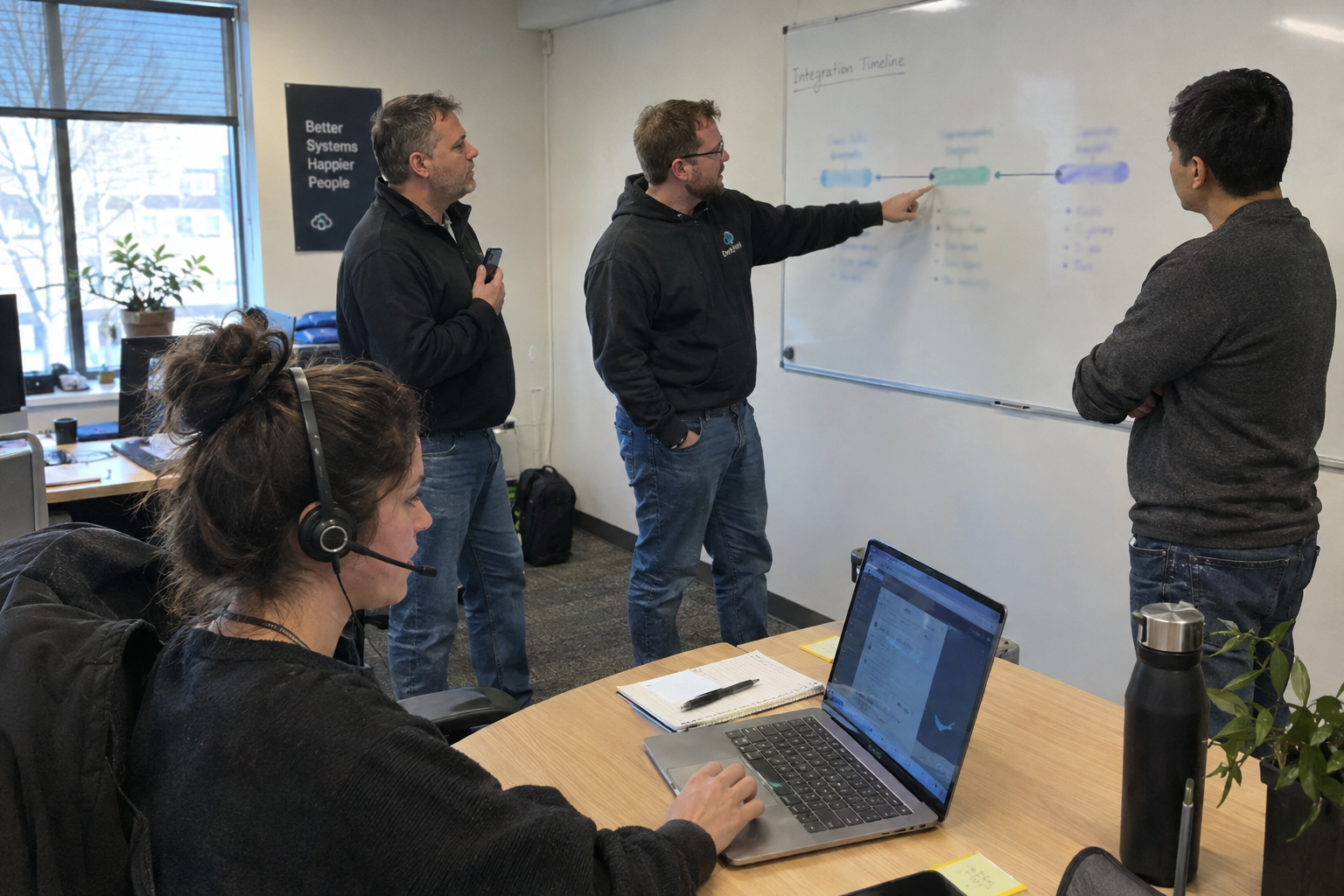
You closed the deal. Now you're staring at a client list, a staff list, and a pile of tools, and the people who know how everything works are the first to feel unsettled. The first hundred days are won or lost on the humans who carry the process knowledge, not on the technology. Run the first hundred days in three sequences: announce to clients before they hear it elsewhere, capture the knowledge that lives in your new staff, and move tools in a safe order. That order matters more than any single change.
Picture a 12-person shop you just acquired, with 30 clients and one backup administrator who is the only person who knows where the offsite copies live. You have ninety days before the seller walks away, and the ticket queue has not slowed down for anyone. This is the plan that gets you through.
Who Do You Tell First: Clients, Staff, or Vendors?
On day one, the order is: your own staff, then clients, then vendors. Tell your staff in the morning, before they hear it from a client or a competitor. Then, by noon, send a joint announcement from you and the acquired owner to every client. The message answers the three questions every client will ask: does my contract change, does my support change, and who do I call?
Keep the announcement short. One page. Say that pricing and support hours stay the same for the first ninety days, and that the same people still answer the phone. Co-sign it with the acquired owner if you can. A joint signature signals continuity, and it keeps the seller from contradicting you later.
Then schedule follow-up calls within the first week for your top 20% of clients by revenue. Those calls are not a formality. They are where you hear the objections that will otherwise surface as churn at month six. Listen for what they actually worry about: it is rarely the tools, it is whether their favorite technician is staying.
If you cannot get the client list on day one, use the acquired owner's personal outreach to at least the top clients before any public announcement. And if there is no formal client list, run a quick data export from their PSA or CRM before close. You need those contacts from the first hour.
How Do You Keep the Staff Who Actually Know the Tools?
In the first two weeks, the priority is the people who carry the client relationships and the tooling knowledge. If you lose the backup administrator, you lose the ability to recover a client after an outage. So map every acquired client to a named engineer or service desk lead, and assign a knowledge-capture owner, likely the acquired company's service manager or lead tech.
Create a knowledge capture process: walk-throughs, documentation, or recorded sessions for the tools and processes that staff alone know how to run. Use whatever you have, a shared drive with a structured folder and a simple template beats a fancy tool that nobody opens. And protect the time. Tell the team that documentation time is not interrupted by new client demands. My read is that documentation fails when it is treated as optional extra work, so make it a scheduled, named task.
Give staff a clear path for their role and any changes to pay or hours. The uncertainty is what makes them update their CVs. Tell them on day one whether their role, pay, and on-call terms stay the same for the first quarter, and be honest if changes are coming. Before you promise anything about pay, hours, or on-call terms, check local employment law. What you commit to on day one binds you, and a promise you cannot keep is worse than a hard conversation.
What Moves First: Backup, PSA, or RMM?
Move monitoring and backup first, because they protect against disasters. Then the PSA or helpdesk, because it is the daily workflow. Finally the RMM, because it touches every endpoint and is the riskiest to change. After each migration, run a dry-run with staff before you make it live across all clients. Never skip the dry-run to save time. That is how a migration breaks a critical client environment.
Say you are migrating backup to your standard tool. Do it with a pilot client first, test a restore, confirm the acquired staff can run it, then roll it out to the rest. Then move the PSA over a weekend, with the old tool in read-only mode for a week. Only then switch the RMM, with a pilot group of five clients before the rest.
For every tool, have a rollback plan: a backup of the configuration, access to the previous version, and a named person who owns the migration. If a tool is end-of-life or unsupported, consider replacing it with your standard tool rather than migrating, but do that after knowledge capture, not before.
If you are forced to migrate all tools at once because a vendor contract expires, extend the overlap period and run the old tool in read-only mode for a week. That buys you a fallback if the new tool does not behave.
When Does This Whole Plan Fall Apart?
The plan fails if you cannot get the client list on day one, if staff are too overloaded to document, or if you are forced to move all tools at once. Each of those conditions should slow or stop the plan, not push it faster. Build a one-week buffer into each sequence, and be ready to pause when the service desk is overwhelmed. A week of overlap costs money; a lost client costs more.
Picture this: you discover the acquired company's PSA export is incomplete, so the client list has gaps. Do not delay the announcement waiting for a perfect export. Use a manual spreadsheet from the seller's laptop and send the message on time. A client who hears about the deal from a vendor or a competitor is a client you have already lost trust with.
And if staff are so buried in tickets that they cannot take two hours for a walk-through, do not push the documentation. Clear the queue first, even if that means you take tickets yourself for a day. The knowledge capture is the asset you bought; the tickets are the noise.
What Do You Do on Monday Morning?
Pull the client contact list and the staff list. Lock the announcement to be sent by noon. Schedule the first knowledge-capture session for the following day. That is the plan in motion before the week ends.
Meet the acquired owner the week before close to draft the email, so it can go out by noon on day one. Send it individually to the top clients from your 20% list, not as part of the mass send. Book the first walk-through with the backup administrator for Tuesday. Then you are not planning the first hundred days. You are living them.

mspoutpost.com/articles/your-first-hundred-days-after-close-a-plan-that-keeps-the-people-who-run-things
Written by Graham Whitfield
MSP Outpost publishes information, not legal, financial, insurance, tax or compliance advice, and reading it creates no professional relationship. For decisions about your business, talk to a qualified professional.