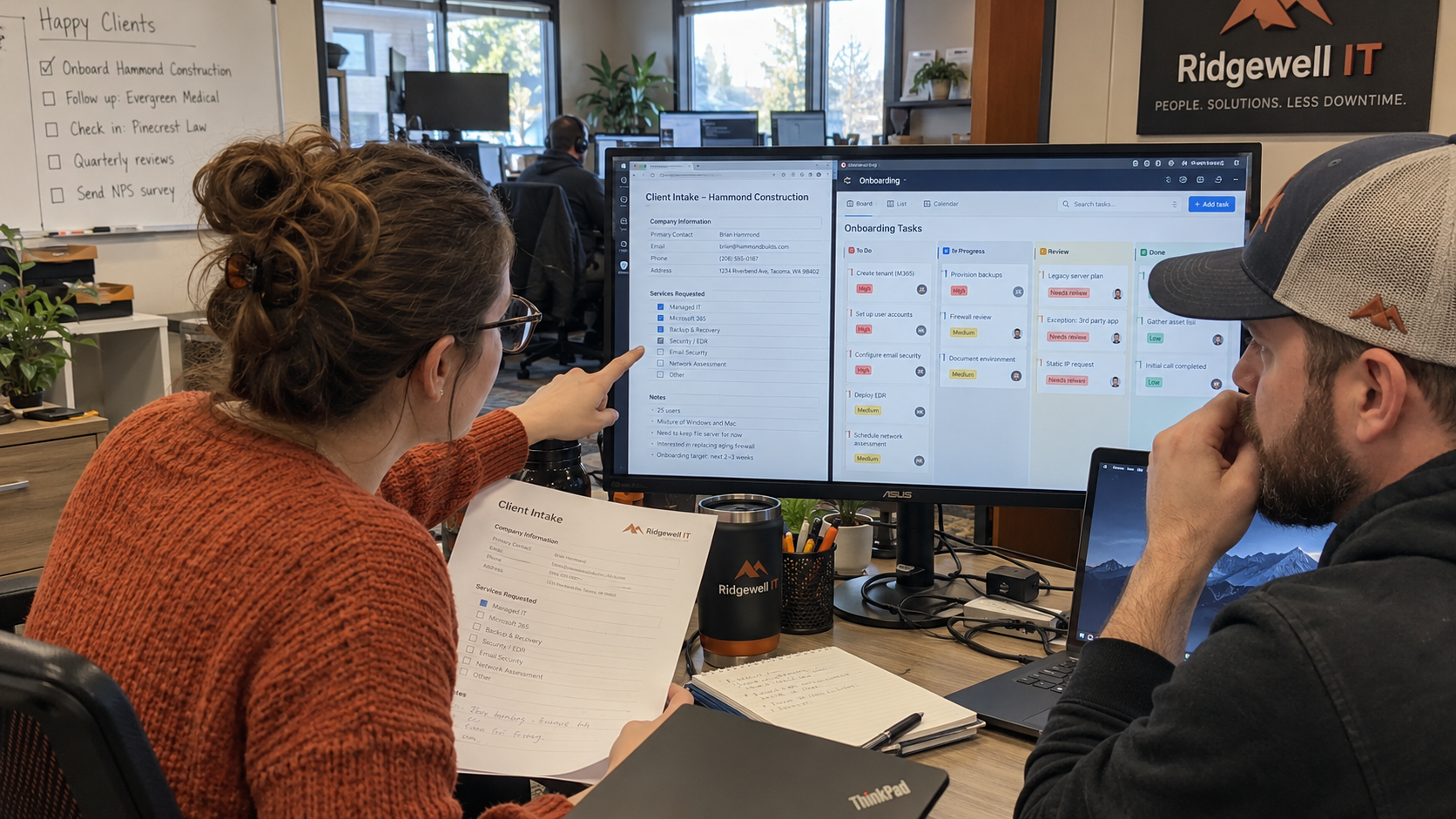
Use three answer states in your client onboarding questionnaire. Give every unanswered question a named client owner and an MSP owner who tracks the reply. That leaves your engineer a list of things to check, rather than a completed form that quietly treats guesses as facts.
I'd collect business decisions before asking the client to describe the technology. You need to know which work matters and who can authorize a change before deciding what to inspect. Calling it discovery optimization doesn't tell an engineer who can approve a change.
Keep Reported Answers Separate From Verified Records
A client's answer is useful even when it hasn't been checked. Record who supplied it and keep the original wording beside your follow-up. Don't turn a client's confidence into a technical sign-off.
| Answer State | What It Means | What the MSP Does Next |
|---|---|---|
| Reported | The client supplied an answer; the relevant record or behavior has not been checked. | Name the engineer who will check it and record the evidence needed. |
| Verified | A named person checked the answer against identified evidence for the stated scope. | Record the evidence location and when it was checked; keep any exclusions visible. |
| Open | The answer is missing, disputed, or too vague to use. | Name the client respondent and the MSP follow-up owner; agree when the answer is needed. |
Tim Stephinson recommends helping clients answer questionnaires with evidence about the systems the MSP manages, rather than answering broadly on their behalf. His example distinguishes MFA on managed systems from a client-controlled application outside that scope. Apply that same care to an intake answer: write down which systems the answer actually covers.
Take a hypothetical client whose finance lead says remote staff must reach the invoicing application to send invoices. That's a reported business requirement. It doesn't establish that remote access works for the intended users. The agreement still needs to establish whether that application is in scope.
Ask the Client for Decisions They Can Actually Supply
Send the questions to the client sponsor, then agree which colleagues should answer each part. Don't expect the sponsor to speak for a department they don't run. Ray J. Green distinguishes a technical assessment from discovery of the buyer's business concerns and decision process; he recommends understanding that context before the assessment.
Use these questions as a starting form, with space beside each answer for its state and evidence. Replace every role in the ownership columns with a person's name. Keep an item open when the nominated person still needs to ask someone else.
| Intake Area | Question to Send the Client | Client Answer Owner | MSP Follow-Up Owner |
|---|---|---|---|
| Business work | Which work must keep moving while onboarding happens, and what would prevent people from doing it? | Business sponsor | Account owner |
| Approval | Who may approve service changes, and who must be consulted before a change affects their team? | Business sponsor | Onboarding lead |
| Daily contact | Who can answer ordinary onboarding questions, and who covers when that person is unavailable? | Client coordinator | Onboarding lead |
| Locations | Where do your people work, and which location has requirements the others do not? | Client coordinator | Project engineer |
| Critical application | Which application supports the critical work you named, and who owns the business process it serves? | Department lead | Project engineer |
| Change constraints | Which business events or working periods must we account for before proposing a change window? | Business sponsor | Onboarding lead |
| Existing suppliers | Who handles the relevant service today, and who can arrange an authorized handoff? | Client coordinator | Project engineer |
| Acceptance | Who will confirm that the agreed business work can continue, and what will they check? | Business sponsor | Onboarding lead |
Luis Giraldo recommends asking how the customer's business makes money and how money flows between departments. He uses a sales-to-production handoff to illustrate where a discussion might reveal a process worth examining. Ask the department lead to describe the work in their own terms before translating it into a technical task.
For the hypothetical finance client, the useful answer identifies the person who sends invoices and the condition that stops that work. A software name alone doesn't give you that. The project engineer can now ask the finance lead to demonstrate the agreed task during discovery.
Agree Who Can Approve and Who Must Be Consulted
Write down the approval boundary while the sponsor is available. Ask whether a named contact can authorize the specific kind of change being discussed, and record the sponsor's answer. Being able to arrange access doesn't settle who should approve a business interruption.
Nick Clift recalls implementing an email-control change requested by a client's IT manager, then reversing it after objections from HR and leadership. He uses that account to argue for considering the affected business stakeholders alongside technical authorization. Put the affected team's contact next to the approver instead of leaving the engineer to discover the disagreement during a change.
Keep credentials out of the questionnaire. Ask who controls access and who can arrange the approved handoff, then use your established credential-transfer process separately. A form used for business discovery doesn't need to become another place that holds passwords.
Turn Each Unknown Into Owned Work
Give every open answer a follow-up that someone can complete. A blank cell won't chase the client. The MSP owner tracks the request, while the client owner supplies the answer or identifies the person who can.
- Record the exact unanswered question and the work it affects. The onboarding lead owns this entry, so the receiving engineer doesn't have to reconstruct the conversation.
- Name the client respondent and the MSP follow-up owner. The client sponsor resolves an unclear respondent; the onboarding lead resolves an unclear MSP owner.
- Agree when the answer is needed for the affected task. The project engineer identifies the dependency, and the onboarding lead confirms the timing with the client.
- Close the follow-up with the answer and its evidence, or record an explicit decision to defer the affected work. The person making that decision owns it; a reminder email isn't acceptance.
My test for this form is what it does to the board on Monday morning: can the receiving engineer distinguish an unchecked answer from a confirmed one? If they have to read an email chain to find the owner, move that information onto the work item. Keep technical verification on the onboarding project with a named project engineer.
For the finance example, the department lead might still need to nominate the person who will demonstrate remote invoicing. Keep that answer open and make the demonstration a dependency of the relevant discovery task. The rest of the questionnaire can still be useful without presenting that unresolved task as complete.
Use the Same Form Without Assuming the Same Client
A standard question can produce a client-specific answer. Justin Esgar distinguishes a common onboarding procedure from settings that differ by client, using distribution-group membership as an example. Eric Anthony similarly separates a repeatable process from assuming every client needs the same solution.
Keep your standard technology stack and train the team on it. Use intake to identify what must fit that stack and what needs a separate scope decision, rather than promising a new tool whenever a client names one. Record an exception for a decision; don't quietly turn it into a delivery commitment.
A client description also leaves things for discovery to establish. Justin Esgar recounts receiving an equipment photo before a visit, then finding multiple wireless network names and extenders onsite that the initial description hadn't conveyed. Preserve the reported answer, then add what the engineer actually verifies instead of silently replacing one with the other.
Hand the Answers to the Technical Checklist
Once the business answers have owners, move the resulting checks into your technical onboarding work. Use the MSP Client Onboarding Checklist: A Technical SOP at https://mspoutpost.com/articles/msp-client-onboarding-checklist-a-technical-sop for the technical checks. Keep the client-facing schedule in the MSP Client Onboarding Template at https://mspoutpost.com/templates/msp-client-onboarding-template.
The intake is ready to hand over when the receiving engineer can see which answer supports each affected task and what still needs checking. Ask the client sponsor to resolve any disputed approval boundary before work that depends on it proceeds. Carry the remaining open answers with their owners into the project; don't make a signed questionnaire stand in for verified technical records.

mspoutpost.com/articles/client-onboarding-questionnaire-give-each-answer-an-owner
Written by Megan Friesen
MSP Outpost publishes information, not legal, financial, insurance, tax or compliance advice, and reading it creates no professional relationship. For decisions about your business, talk to a qualified professional.