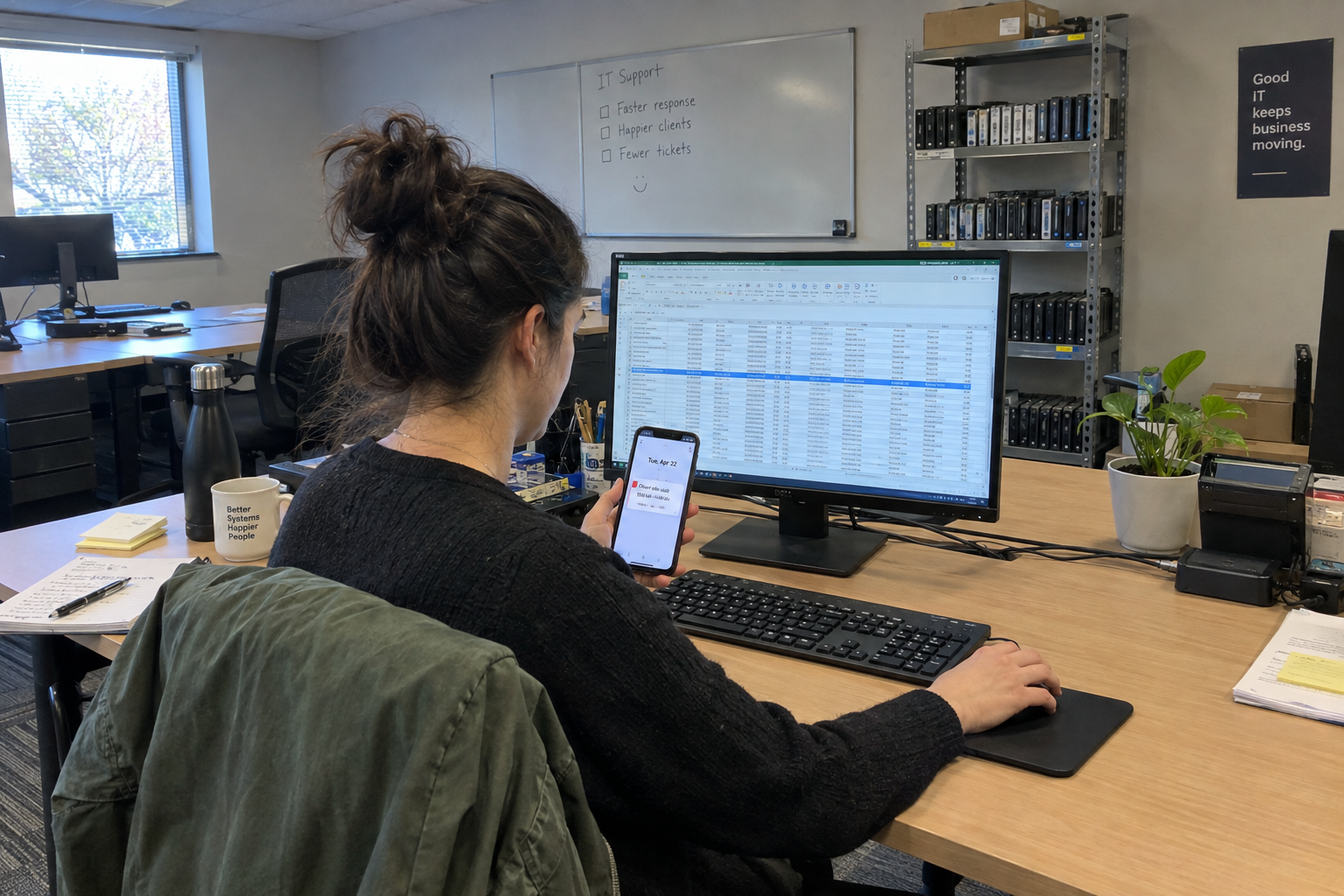
Contract renewal tracking gives you a place to find vendor terms when a price increase arrives. Keep a register of vendor agreements, with pricing, notice periods, and renewal reminders in one place.
Use one spreadsheet row per vendor contract and schedule a reminder before the notice deadline. Include the renewal date, pricing terms and person responsible for the decision.
One Row for Every Vendor Contract
Picture your PSA tool. You pay for it monthly, you've had it for years, and the account manager's emails go straight to a folder you empty when you're bored. Now picture one row in a spreadsheet: the tool's name, your yearly price, the renewal date, the contract term, and the account manager's email address.
That row is the whole point. When a price change lands, you can see in one glance whether it matches what you agreed to, when you can walk away, and who you'd call to argue. Without it, you're negotiating from memory, and my view is that memory loses to a vendor's contract team every time.
Build the spreadsheet with columns for vendor, contract start, renewal date, term, current price, the email address price changes come from, and the account manager's name. One row per contract. A shared spreadsheet your team can open beats a private one, because the person who needs it on a Friday afternoon might not be you.
Set aside an hour or two to log everything you have. It's boring work, and it's the most valuable hour you'll spend this quarter.
Set an Alert 60 Days Before Renewal
The record tells you what you have. The alert tells you when it's about to change. Without the second one, the first goes stale in a month.
Put a calendar reminder on your phone or your team's shared calendar 60 to 90 days before every renewal date. When it fires, you open the row, check the current price against what you're paying, and decide whether to negotiate, shop around, or let it renew.
Set an inbox rule too. Flag any vendor email with "price", "renewal", or "rate change" in the subject line, and route it to a folder you actually read.
Here's the gap you need to know about: the alert mechanism only catches changes that come through email. If a vendor changes pricing in an invoice or a portal instead, the reminder won't see it. So once a quarter, spend ten minutes opening your vendor invoices and checking for anything that moved. That invoice check is the fallback that keeps the system honest.
Asking each vendor to email you a renewal notice in writing before the term ends is worth one sentence. Some may agree. It doesn't replace the calendar alert, but it gives you a second trigger from the vendor's side.
Do a Yearly Vendor Review
The alerts handle the changes. The yearly review handles the list itself. Once a year, sit down with the spreadsheet for 30 to 60 minutes and score every vendor on four things: price, support quality, time-to-resolution, and whether you still need the tool at all.
Say you run a 15-person MSP with 20 vendor contracts. Your remote monitoring vendor has had two incidents this year where support took three days to respond. The price went up 10 percent at renewal. You still need the tool, but you don't need it at that price with that support. The review tells you to test a competitor before the next renewal, not after.
The review is also where you find the zombie tools. The license you keep paying for because you forgot you stopped using it last spring. The add-on you bought for one client who left. A yearly review with a clear keep, switch, or drop decision makes those visible.
Use the four-question scorecard to review each vendor before renewal. A small team can start with that assessment rather than running a full RFP for every contract.
Make One Person Own the Record
A spreadsheet no one updates is worse than no spreadsheet, because it gives you false confidence. The record stays alive only if one person owns it, and one backup person can cover when they're out.
In a 5-person shop, that owner is probably you. In a 20-person shop, it's the ops lead or the most organized technician. The backup is whoever answers the phone when the owner is on holiday. Pick the names, write them into the spreadsheet, and hold them to it.
The rule that keeps it from going stale: every new contract gets a row the week it's signed. Not when the renewal reminder fires, not when someone remembers. The week it's signed. That one habit means the record is always current, and the yearly review starts from a list you can trust.
When This Practice Stops Helping
Be honest about the boundary. If you run three vendors and you renew all of them in the same month, you probably track them in your head and this whole system is paperwork you don't need. The record earns its keep when you have enough contracts that one slipping past costs you real money.
It also fails if you ignore the alerts. A calendar reminder that fires and gets dismissed without opening the row is a ritual, not a safeguard. And if a vendor changes pricing only through invoices you never read, the quarterly invoice check is the part that actually saves you, not the inbox rule.
So the practice works when you have more than a handful of vendors, when someone actually owns it, and when you check both email and invoices. That's the honest scope.
Log your largest vendor contract first, including the notice deadline and who owns the renewal. Work through the remaining agreements and check that each reminder is scheduled early enough to act.

mspoutpost.com/articles/contract-renewal-tracking-keep-msp-vendor-terms-handy
Written by Dana Kowalski
MSP Outpost publishes information, not legal, financial, insurance, tax or compliance advice, and reading it creates no professional relationship. For decisions about your business, talk to a qualified professional.