
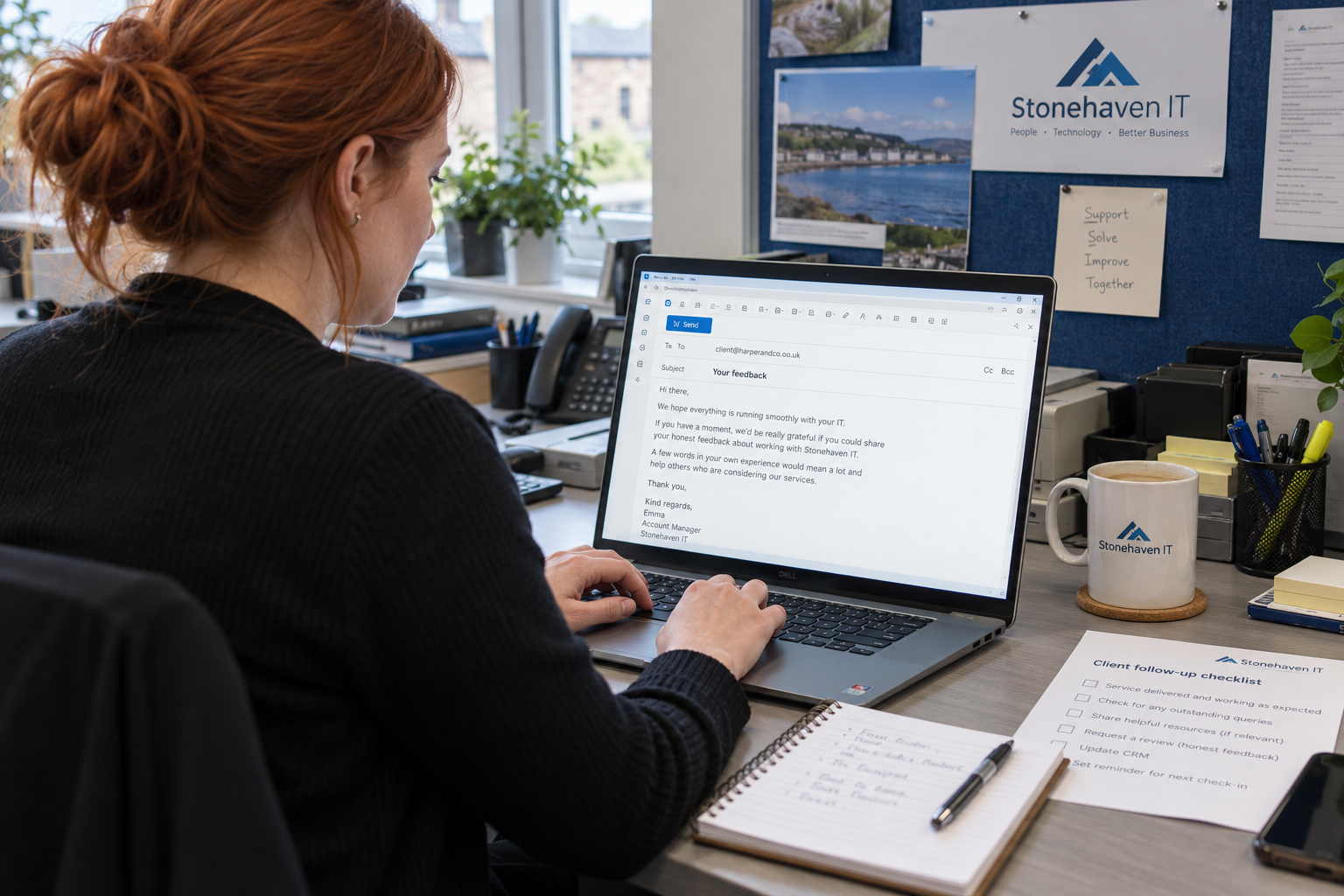
Would you be comfortable leaving an honest Google review of your experience with us? That's the opener I'd give your account team when deciding how to ask customers for Google reviews. Send the correct link and leave the words to the client. You don't need to write their recommendation for them.
Choose a repeatable service milestone for the invitation and use it consistently. Give someone responsibility for reading and responding to the feedback that follows. A request without that follow-through creates another inbox your MSP can forget to check.
Ask After a Real Experience, Without Screening the Answer
Choose a moment when the client has enough experience to comment, such as the completion of an agreed project. Make that the trigger in your process. Don't make praise or a high satisfaction score the admission ticket to the public review link.
Google's Prohibited and restricted content policy bars selectively soliciting positive reviews and discouraging negative ones. It also prohibits incentives and asking for specific review content. Use Google's current policy when checking your request, including any process a marketing supplier proposes on your behalf.
An MSP's technical completion and the client's experience aren't interchangeable. Confirm the agreed project result before using completion as the trigger. If work remains open, keep that work assigned instead of treating the review invitation as the final handoff.
Ask the person who actually experienced your service. A client's decision-maker and an employee who needed support may have different experiences to describe. Neither needs a script telling them which parts of your business deserve praise.
Use a Short Request the Client Can Decline
Send a personal note through an appropriate client contact route. Keep the invitation separate from a demand for approval or payment. The client should be able to ignore it without wondering whether that affects their next support request.
Hi [name], would you be comfortable leaving an honest Google review of your experience with us? Here is our review link: [verified link]. Please use your own words, and there’s no obligation to post.
Replace the placeholders before sending. Check that the link opens the right business profile, not a similarly named company or another office. The person maintaining the template should own that check when the listing changes.
Have the account owner verify that the review link leads to the intended business listing before adding it to the template. You can put the verified link in a suitable follow-up message without making the client search for your listing.
Keep your note about the request itself. Don't append a paragraph of service claims that the client might copy into the review. Your website can explain your offer; the review is their account of dealing with you.
Have a Reply for the Awkward Follow-Up
What do you say when the client asks you to draft the review? Say: Please use your own words about your experience; I don't want to put words in your mouth. Then leave the choice with them.
If they say they don't have time, you can reply: No problem, and thanks for letting me know. Don't turn a refusal into a new sales objection to overcome. Record that the invitation was declined so someone else doesn't immediately ask again.
If the request prompts a service complaint, thank them for raising it and put the issue into your normal service process. Tell them who will contact them about the work. Keep their access to a public review separate from your investigation of the complaint.
I don't buy the retail script that asks for a review while you stand over the buyer. Your MSP may still be managing a sensitive system or resolving the handoff. Give the client space to decide without confusing the invitation with something they must do to complete the job.
Keep the Public Reply Safe and Useful
Assign a person to read new reviews and prepare replies, with cover when they're away. Put the work into the team's current review schedule so a negative comment doesn't wait for someone to remember the login. Keep an unresolved service issue assigned even after the public reply is posted.
For a straightforward positive review, you can say: Thank you for taking the time to share your experience. We appreciate your feedback. Add a personal detail only when you're comfortable making it public and it doesn't reveal private service information.
For a complaint, a starting response is: Thank you for raising this. Please contact [named role] through [published business contact route] so we can understand and address your concern. Complete those details with a route the team actually monitors.
Keep public responses professional and concise, and protect the reviewer's privacy. You can acknowledge a concern without posting the ticket history to defend your team.
An MSP reply deserves a privacy check before publication. Keep access details and sensitive client information out of the response. If the account team needs to discuss the underlying service, use the established private route with an appropriate client contact.
Learn From Reviews Without Promising a Conversion Rate
Record the invitation in the account history so the next colleague knows it happened. Keep the public response and any separate service action linked to the responsible person. Don't ask staff to create extra client contact merely to produce a review count.
When a prospect says a review influenced their enquiry, record that in the CRM. Ask what helped them decide to contact you and keep their answer. The number of posted reviews alone doesn't establish how many suitable managed-service clients you'll win.
Mitt Patel describes reading a hotel's guest reviews before a sales conversation and using Wi-Fi complaints to ask about its service experience. That's his preparation example, not a result from an MSP review campaign. It illustrates that public feedback can give a reader specific questions rather than simply a star rating.
Read repeated concerns with the service lead. Check the actual work before assigning a cause, then give any improvement an owner. A polished public response doesn't complete the service change the client needed.
Prepare the Request Before the Next Milestone
Choose the neutral completion trigger and check the invitation against Google's current policy. Save the verified review link in the template. Name the person who will read the resulting feedback and the backup who covers them.
Have your account team use the short invitation in their own voice. Leave the review's content and the decision to post with the client. Then follow through on what they tell you, whether it arrives publicly or through the service desk.

mspoutpost.com/articles/how-to-ask-customers-for-google-reviews-at-your-msp
Written by Natalie Brandt
MSP Outpost publishes information, not legal, financial, insurance, tax or compliance advice, and reading it creates no professional relationship. For decisions about your business, talk to a qualified professional.