
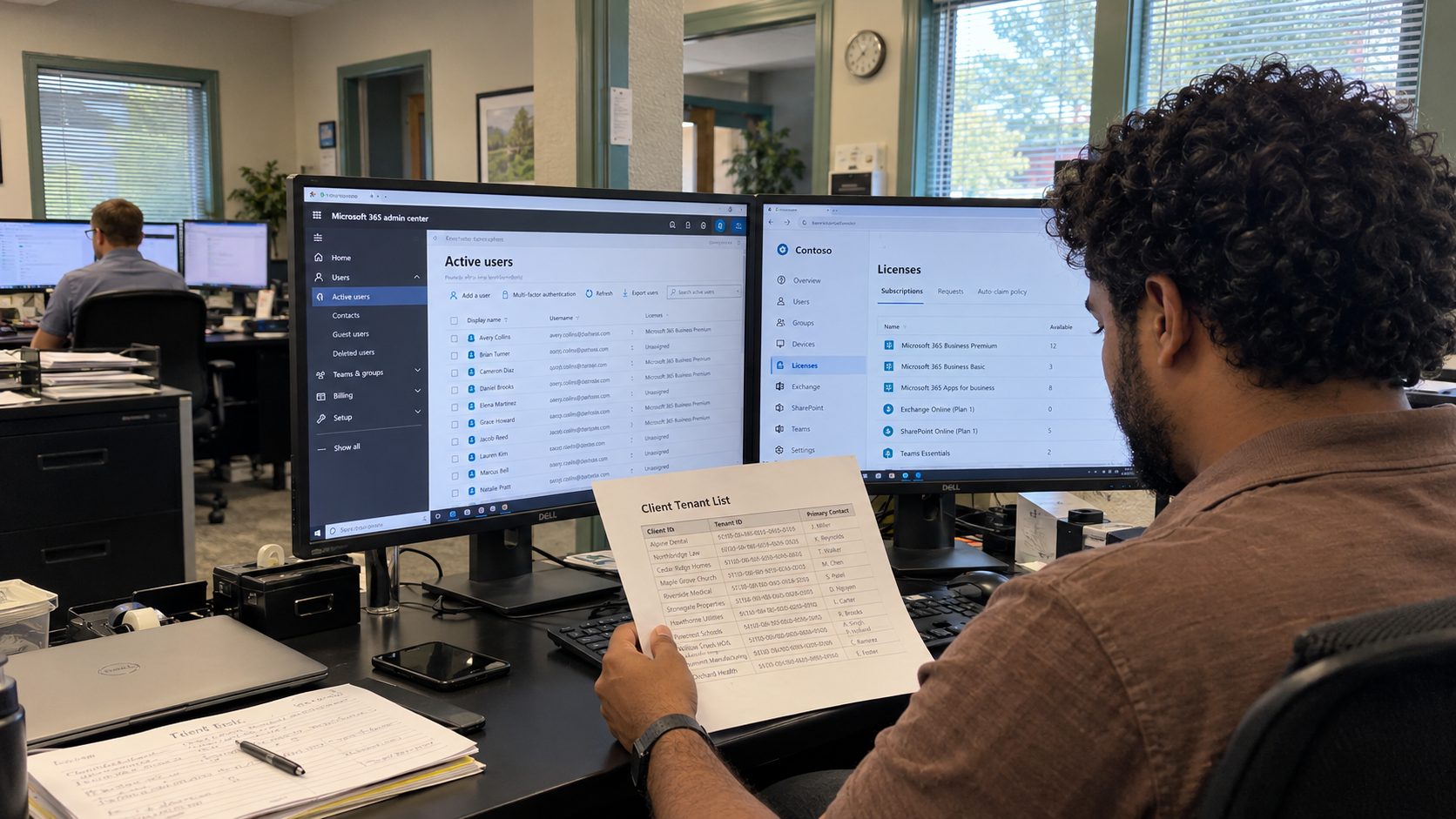
M365 multi tenant management needs a verified tenant register, named responsibility, and a change record your technicians can follow. Start there before adding another consolidated dashboard. A tidy customer list doesn't establish which environment a technician is about to change or which work your MSP has agreed to own.
I'd make the register the starting point for access, routine reviews, and handoffs. Then choose the management tools that can support those jobs under each client's actual subscriptions and permissions. Keep unsupported or unverified coverage visible rather than assuming every listed client is handled in the same way.
Verify the Tenant Behind the Client Name
The MSP model's US example has 35 managed clients. That is a client count, not proof of a tenant count or a one-client-to-one-tenant arrangement. Establish the environments and responsible organizations from your actual client records.
For each environment, verify the tenant identifier using the current Microsoft administration guidance and your authorized access. Record the client relationship, the verified domains, the responsible contacts, and where the service scope is documented. Have a colleague check ambiguous or duplicate records before treating them as settled.
Use a clear internal client code and a readable tenant label, with the verified identifier kept beside them. Labels are an address book. The identifier is the detail you check before acting. A familiar display name alone shouldn't decide where a change runs.
Include environments that are awaiting access, transitioning to another supplier, or outside the current management scope. Give them an explicit status and owner. Omitting them from the list would hide the decision your team still needs to make.
Record What Your MSP Actually Manages
Keep the responsibilities attached to the tenant record. Identify who handles identity administration, mail, devices, licensing, domain and DNS coordination, and other agreed work. Some of those duties may sit with client staff or another supplier. Write that boundary down before a request arrives.
The model calls for a standard stack and technicians trained on it. Standardize your record structure and approved procedures while preserving the actual client responsibilities and exceptions. The same template shouldn't imply the same entitlement, access, or contract scope.
| Register Area | Record to Maintain | Responsible Person |
|---|---|---|
| Identity of the Environment | Verified identifier, client relationship, domains, and current status | Tenant register owner |
| Service Scope | Managed workloads, exclusions, and client or supplier responsibilities | Account lead with technical owner |
| Administration | Approved access route, responsible administrators, and access review record | Technical owner |
| Commercial Record | Relevant subscriptions, supplier commitments, and agreed billing responsibilities | Licensing or accounts owner |
| Operational Work | Assigned checks, changes, open issues, and follow-up decisions | Service or centralized-services owner |
Link the detailed procedures and evidence from the working documentation. Don't turn the register itself into a store for passwords or sensitive recovery information. Give technicians the approved route to the material they are authorized to use.
Check Management Coverage Before Relying on It
Write the jobs you need a management tool to perform before comparing dashboards. Examples include finding the correct environment, reporting the checks in scope, reviewing a proposed change, and recording the result. Confirm the current prerequisites and supported workloads against Microsoft's and the tool supplier's documentation.
Test those jobs using authorized environments and compare the result with the underlying tenant record. Check how missing access, unavailable data, or unsupported features appear. Require a visible unresolved result where the tool can't establish the answer.
Keep the scope of automation explicit. For each job, record what the tool reads or changes, who can authorize it, and who checks the result. A successful run against a test environment doesn't establish that the same action is appropriate across every client's configuration.
I'd begin with the read-only checks the team already understands. Add changes through your existing approval and recovery process, with a clear tenant selection and an inspectable record. Don't make bulk scope the default merely because a tool offers it.
Keep Dependencies in the Change Handoff
Include the client and supplier dependencies that can affect the work. Before a planned change, confirm who owns the relevant domain, application, or connected service and who needs to know. Record the environment and intended outcome with the approval.
On a podcast, Justin Esgar recounts a client changing its website without telling the MSP and losing email delivery when MX records disappeared. He uses the incident to discuss coordinating shared DNS dependencies. That's one operator's account, and a useful reason to include the other responsible parties in your change record.
After an approved change, record what was done, where, and what was checked. Attach unresolved results to a named person. Keep the original intended outcome visible so the next technician can distinguish a completed task from a change that still needs investigation.
Use a Review Cycle That Includes Open Work
I would use a scheduled review of the register and its unresolved tasks, with timing chosen from the service commitments and changes you need to catch. Add a review when a client relationship, responsibility, or management arrangement changes. A routine date shouldn't delay an issue that needs action sooner.
- The register owner reconciles the client list with the environments recorded and assigns missing or ambiguous entries.
- The technical owner checks access arrangements and investigates unavailable management data.
- The account lead confirms client and supplier responsibilities and takes unresolved scope decisions to the authorized person.
- The licensing owner checks the relevant commercial record and assigns changes that need separate processing.
- The operational owner reviews open checks and changes, confirming who follows up and what result will close the work.
Keep tenant-baseline results as part of the operational record, with their scope and date. The register tells you where the work belongs and who owns it. It doesn't replace the technical verification behind a control's status.
Budget the Work Rather Than a Tenant Ratio
The model puts cloud administration in centralized services. Its staffing reference is 5,000 endpoints per centralized FTE. That is an endpoint-based planning ratio, not a tenants-per-administrator limit or a promise about the effort required by each tenant.
For the example's 700 endpoints, the ratio gives 0.14 FTE of centralized capacity. That role covers other centralized work as well. Don't allocate the same capacity in full to Microsoft 365 administration and again to patching and monitoring.
Track the actual routine work, exceptions, and change effort your tenant list creates. Compare it with the named person's available capacity and other duties. If the work doesn't fit, change the plan or resource it explicitly rather than calling it included administration and hoping it disappears.
Take a client with ambiguous environment or responsibility records and reconcile it first. Have another authorized technician find the correct tenant and the next owner from that record alone. Then use the same structure for the rest of the register.

mspoutpost.com/articles/m365-multi-tenant-management-starts-with-a-reliable-register
Written by Dana Kowalski
MSP Outpost publishes information, not legal, financial, insurance, tax or compliance advice, and reading it creates no professional relationship. For decisions about your business, talk to a qualified professional.