
The claim to test is that cutting MSP tool stack cost improves the business. It depends on the work the tool does and the labor that replaces it. Ask what stops working if you cancel it and who will find out first. A renewal discount doesn't explain what a tool is for.
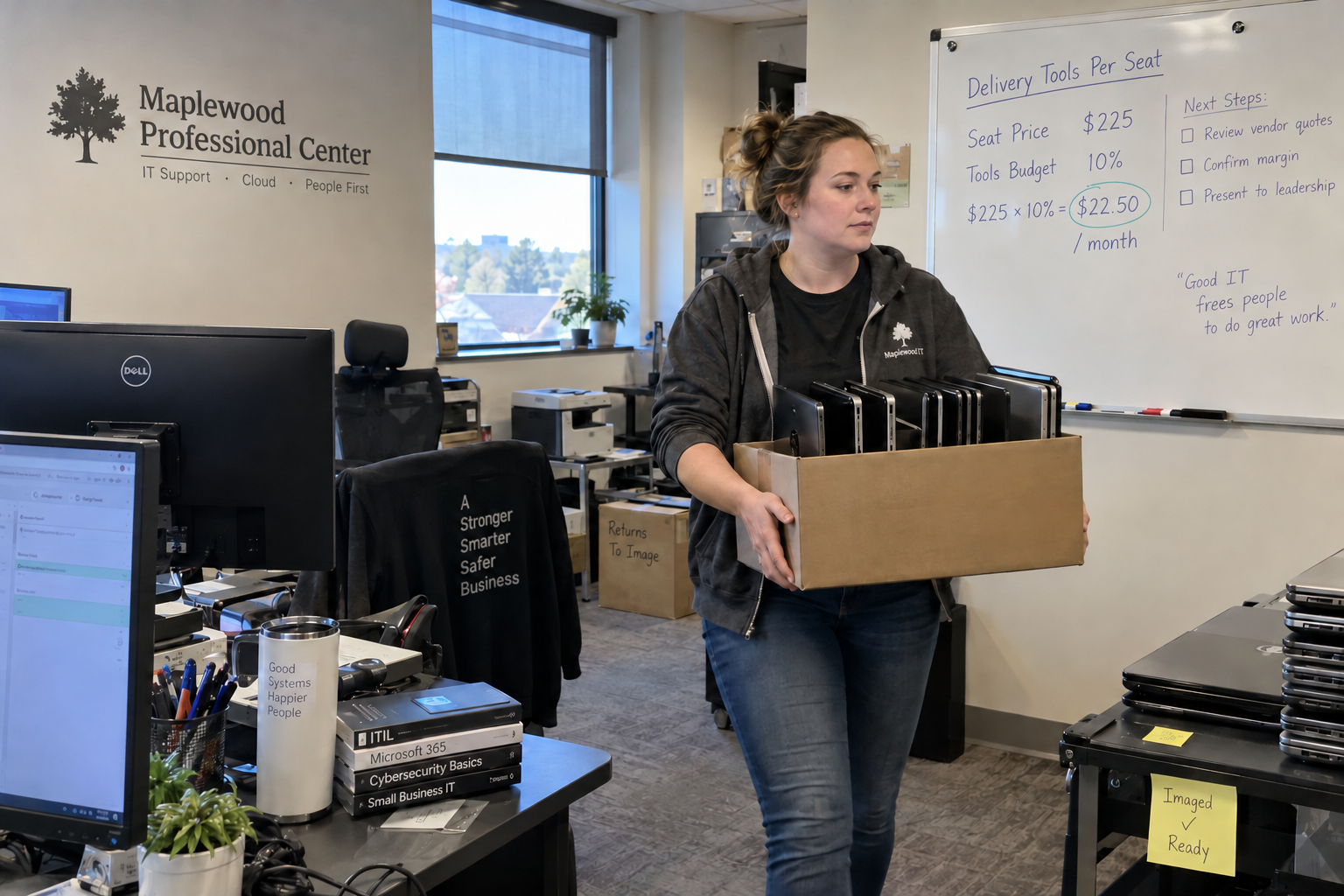
Here is the comparison. The MSP model budgets delivery tools at $22.50 a seat a month, which at a $225 seat price is ten cents of every managed services dollar. If your stack costs more, the difference comes straight out of your margin. If it costs much less, check what you aren't covering before you celebrate.
Which Costs Count as the Tool Stack?
Only the tools you use to deliver the managed service: RMM, PSA, endpoint protection, backup, email security, documentation, and anything else you license per client seat or device. In the model, these sit in cost of goods, next to delivery labor.
Cost the audit like a catering job: the equipment used to prepare the meal is a delivery cost. The caterer's office software stays in overhead; a bottle resold to the customer goes with that product sale. Keep those boundaries when classifying the tool invoices.
Two things don't count, and mixing them in makes the audit lie to you.
- Your own internal software and equipment. Your staff's M365, payroll, accounting and laptops belong in overhead, budgeted at $3,600 per person per year in the model. They don't scale with client seats.
- Licenses you resell to clients as their own line, such as M365 or a security add-on billed separately. Those belong with the revenue line they are billed on, not inside the seat.
Get the boundary right first. A stack that looks expensive is sometimes just carrying your office's software, and a stack that looks cheap is sometimes hiding tools you bill on.
How Do You Get to a Per Seat Number?
Pull every vendor invoice for delivery tools for the last three months.
- Sort each into per seat, per endpoint, or flat fee.
- Convert all of it to a monthly total and divide by the seats you manage. A seat is the larger of a client's users or devices, so endpoints and seats come out close.
- Compare the result with ten cents of your average seat price.
In the model's US example, 700 seats at $22.50 is $189,000 a year in tools, or 5.20% of total revenue. Your seat price may not be $225, which is why ten cents of your own price is the fairer test than the dollar figure.
Where Does the Overspend Hide?
These are the four places I'd look first, because each one grows quietly:
- Overlap: two tools doing one job, such as an RMM's built-in patching and a separate patching tool, or two endpoint agents.
- Shelfware: licenses still assigned to devices that were retired or clients that left. Reconcile license counts against your RMM's device list every month.
- One-client tools: something bought for a single client that now bills across the whole base, or that only one tech knows how to run.
- Unpriced add-ons: a tool you deliver to some clients and never added to their price.
The fix for most of these is the same rule I'd start with: run one standard technology stack for every client, and train every tech on it. A tool that only one client uses is either a premium add-on with its own price or a candidate to cut.
What Not to Cut
Before you cancel anything, ask what it is watching and who finds out when it breaks. Some tools look idle because they are working: the backup monitor nobody opens may be the only thing that tells you a backup failed.
Keep baseline security in every plan: endpoint protection, MFA, awareness training and email protection. Those belong in the seat. Advanced tools are add-ons, and they can carry their own price and margin rather than squeezing into the ten cents.
And think twice before outsourcing monitoring to cut tool cost. The model treats RMM automation as the NOC, with leftover alerts landing on the desk. A NOC service priced per endpoint, about $7 an endpoint a month with a $2,500 monthly minimum in the model, moves those alerts off the desk but adds a cost of goods line of its own.
When Over Ten Cents Is Fine
A higher tool cost can be a deliberate choice, but only if you can show what it buys. A tool that cuts tickets or alerts frees desk hours, and freed hours are not the same as saved money.
The model shows why. Its example desk is staffed as 4 whole people with 0.80 FTE of slack, and moving the alert load anywhere between 0.02 and 0.10 hours an endpoint changes EBITDA by $0. The hours change; the payroll doesn't, until the work crosses into a fifth tech.
So compare two things before you pay more. First, the tool's extra monthly cost over what it replaces. Second, the benefit you can actually bank: a hire you can put off, seats you can add without one, or hours you will move to billed work. If the hours just become more slack, the tool is a cost, however good it is.
Judge the result by the managed services margin, 50% fully loaded with labor and tools, rather than the tool line alone. A stack above ten cents that keeps the margin at target is a defensible choice; one that lets the margin slide is paying your vendors first.
Run the Audit This Month
Pull the invoices, draw the boundary, divide by seats, and list every tool with its job and its per seat cost. Mark the overlaps and the shelfware.
Then put the next renewal date next to each tool. Every renewal is a decision point, so note each contract's notice period beside it and decide before that deadline passes.

mspoutpost.com/articles/msp-tool-stack-cost-audit-licenses-and-delivery-work
Written by Dana Kowalski
MSP Outpost publishes information, not legal, financial, insurance, tax or compliance advice, and reading it creates no professional relationship. For decisions about your business, talk to a qualified professional.