
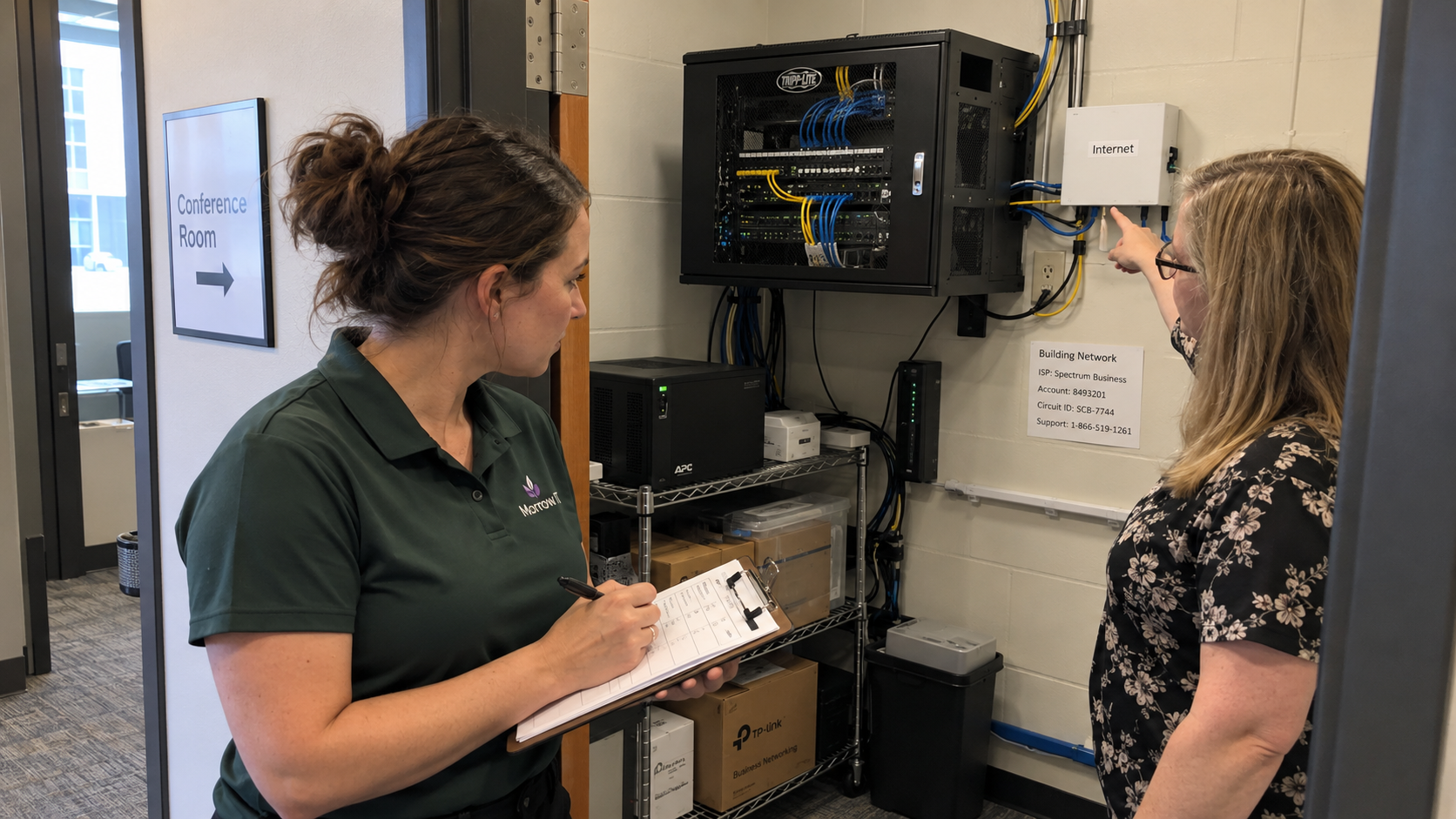
The claim to test is that a completed network assessment checklist means the prospect's network has been assessed completely. It doesn't. A first walkthrough should tell you what you observed and what still needs authorized investigation before you quote a fix.
I'd use a short field sheet with an evidence reference beside each finding. Record the scope before entering the site, then separate observed conditions from the client's account of a problem. Leave with a next action that the prospect understands, rather than a reassuring score built from unanswered questions.
Agree What the Walkthrough Allows
Confirm the location and systems the prospect has authorized you to examine. Establish who can approve access and what you may record. Don't assume the person showing you around can authorize a scan of every network visible from the building.
Use a separate authorized testing plan if the visit needs active testing. A site tour and a vulnerability scan are different commitments, even if the same technician could perform both.
For the walkthrough, agree who you contact if you encounter an urgent concern and where your work must stop. Keep a change request outside the observation visit until someone authorized approves it. A sales visit shouldn't acquire a repair scope by accident.
Carry a Field Sheet That Records What You Know
Use the table as the short checklist and keep detailed notes in the controlled assessment record. Put the site and visit date at the top, alongside the named client contact and assessor. In every row, distinguish what you observed from what someone reported or what remains unverified.
| Check | Record on the Visit | Next Evidence or Owner |
|---|---|---|
| Business dependency | The work the client says the network must support and the reported problem. | Client confirms the consequence and priority. |
| Service boundary | The site or service included, exclusions, and agreed observation access. | Authorized contact resolves any scope gap. |
| Connection ownership | Who controls the internet service and network administration. | Named holder supplies the approved records. |
| Equipment | Observed device identity and location, with missing details marked. | Technical assessor verifies inventory and support status. |
| Network layout | The available diagram and any apparent mismatch with the site. | Technical assessor checks the actual configuration if authorized. |
| Wireless complaint | The reported location and task, with conditions at the visit. | Assessor scopes the measurement needed to investigate. |
| Operational records | Available configuration and recovery records, without copying secrets onto the sheet. | System owner arranges authorized review or follow-up. |
| Physical dependencies | Visible installation concerns and any access constraints. | Responsible site owner verifies the condition or arranges specialist work. |
| Handover | The evidence still missing and the next decision. | Named client and MSP owners agree the follow-up. |
A tick without its meaning is office decoration. Use a reference to the relevant note or approved photograph so the person preparing the proposal can tell what was actually checked. Mark a restricted cupboard as inaccessible rather than treating its contents as satisfactory.
Trace the Business Problem to the Relevant Evidence
Start with the task the prospect says is failing. Ask where it happens and what they observed when it failed. A complaint that the network is slow is a starting statement, not a diagnosis of the wireless equipment.
Ray J. Green distinguishes technical findings from discovery of the buyer's business concerns and decision process. That is his sales-process advice. Keep that earlier discovery attached to the visit so a technically interesting device doesn't replace the problem the prospect asked you to investigate.
Picture a prospect reporting that calls fail in a meeting room. Record that account and the relevant location, then identify what evidence would distinguish wireless behavior from an application or service problem. Don't quote new access points solely because you saw an old one nearby.
If the fault isn't present during the visit, retain the report as unverified and agree how to gather useful evidence when it recurs. The first person to notice another failed call may be the receptionist, while the technician sees a healthy connection later. Have the client identify who can report the conditions without asking them to diagnose the cause.
Check the Map Against the Actual Site
Use available inventory and diagrams to guide the observation. Record a mismatch as a finding to investigate rather than silently drawing a more confident diagram than the evidence permits.
Check the exact device identity before using vendor documentation to establish its support status. A familiar casing doesn't establish the model or software version. If authorized records aren't available, name what the holder needs to provide.
An architecture diagram is like a street map: it helps you choose where to look, but it doesn't tell you whether the road is open today. Compare it with the observed site and the approved configuration evidence. Keep the uncertainty where the comparison is incomplete.
The model favors a standard technology stack and training the team on it. Compare the proposed support responsibility with that standard after you've established the actual environment. A difference may create a scoped transition or an explicit support decision; it doesn't establish that the existing device caused the reported fault.
Keep Observation Separate From a Demonstrated Result
Seeing a recovery file or a spare device doesn't demonstrate recovery. Record what exists and ask the system owner for the relevant verified result. If a recovery test is needed, define and authorize it as work with its own conditions.
Likewise, a guest network name doesn't establish which business systems a guest can reach. Record the intended separation and seek authorized configuration review or testing where that matters to the proposal. Don't convert a label into a security conclusion.
The depth depends on the decision the prospect needs and the evidence you're authorized to gather. A first visit can support a quote for further investigation when it cannot support a dependable remediation scope. Say which decision is ready rather than calling the entire environment secure or insecure.
Turn the Findings Into a Quote You Can Deliver
Have the technical assessor give each proposed job its supporting finding and acceptance check. Keep dependencies visible where the work needs access or information from another supplier. Have the sales owner resolve the commercial scope with the prospect before delivery receives it.
Use the model's $185 blended project rate as a planning input where appropriate: scoped billable labor hours multiplied by the agreed rate gives the labor selling price. Estimate the hours from the actual tasks and state the assumptions. Quote equipment and supplier charges separately rather than assuming a labor rate covers them.
If a missing fact could change the equipment selection or required work, obtain it or quote the bounded investigation first. Don't use a fixed price to conceal an unresolved design decision. A cautious description can still give the prospect a concrete choice about what to approve next.
Before sending the proposal, have someone who wasn't on the visit read the field sheet and the proposed work together. They should be able to find the evidence for the recommendation and the owner of every remaining unknown. Give the prospect that same explanation at the follow-up, including what the walkthrough did and did not establish.

mspoutpost.com/articles/network-assessment-checklist-for-a-prospect-site-visit
Written by Dana Kowalski
MSP Outpost publishes information, not legal, financial, insurance, tax or compliance advice, and reading it creates no professional relationship. For decisions about your business, talk to a qualified professional.