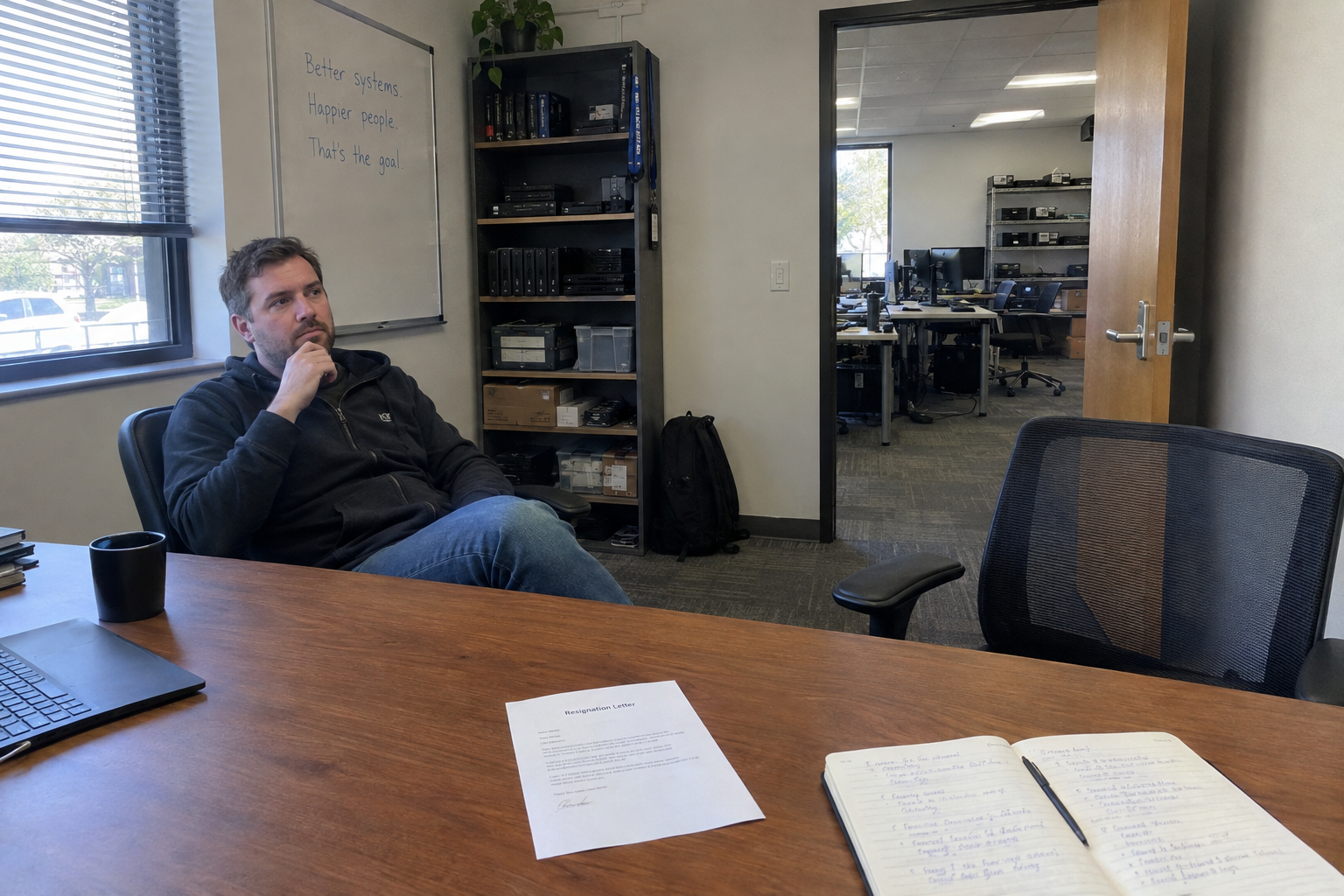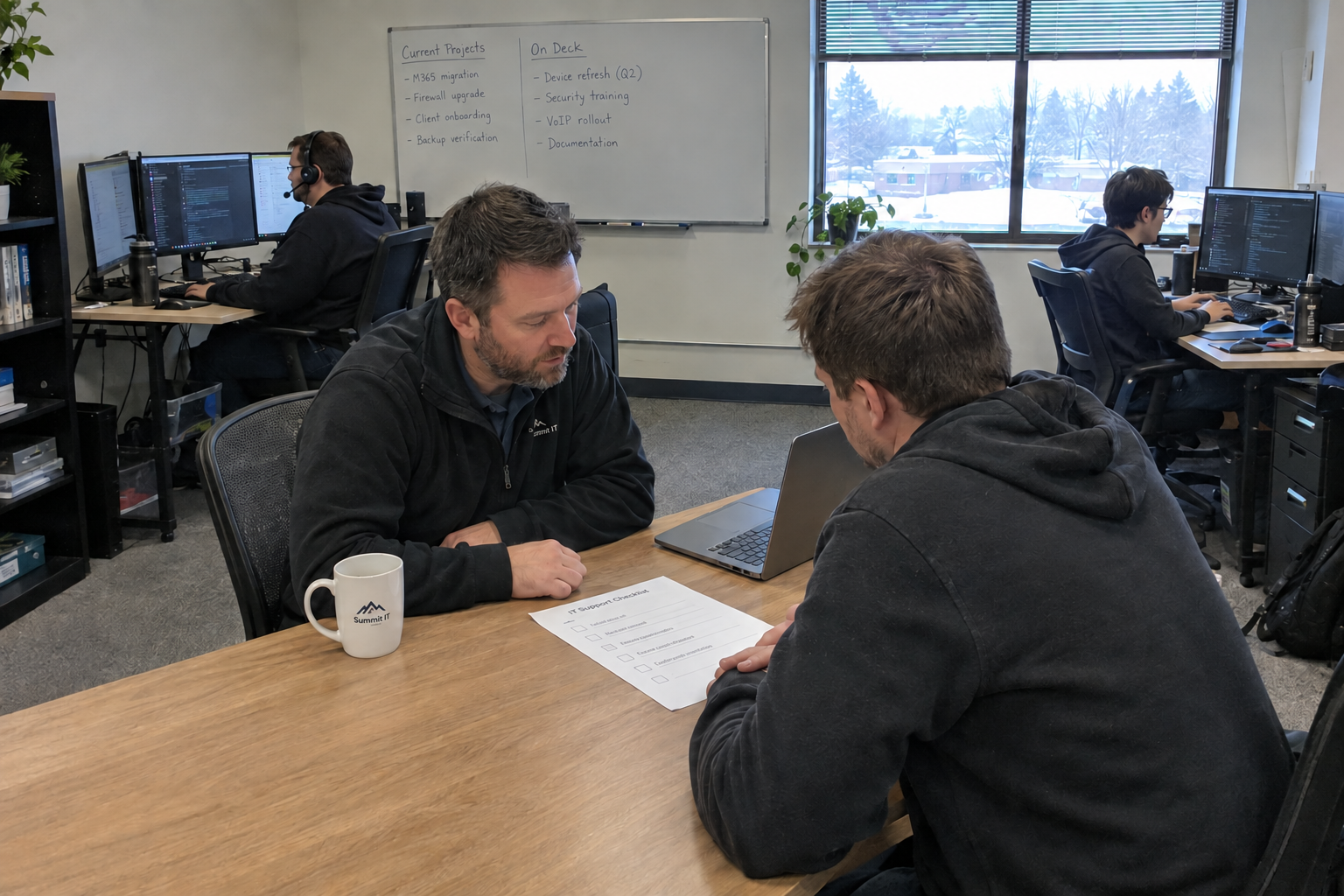
This one-on-one meeting template covers what's going well, blocked work, one improvement and feedback for the manager. Use it alongside ticket checklists to agree standards and follow up on missed steps.
I'd start with three pieces: a fixed 15-minute one-on-one with each tech, written desk standards as checklists they self-check before closing a ticket, and a same-week flag for a missed step. Use the meetings to review what was flagged and agree the next action.
Why the One-on-One Matters
Picture this: a tech forgot to log four hours of time last Tuesday. You don't find out until month-end, when the invoice is short and the client is asking why. In a one-on-one, that same problem surfaces in five minutes: the tech says "I'm behind on my time logging," and you fix it before it becomes a billing fight.
Use the one-on-one to discuss work that is stuck, mistakes and support the technician needs. Keep a regular weekly time so the conversation still happens when the desk is busy.
The 15-Minute One-on-One That Doesn't Eat Your Week
Here's the standing agenda, and it fits in 15 minutes:
- What went well since we last talked?
- What's stuck?
- One thing you want to improve.
- Any feedback for me?
Block the same slot each week, same day, and treat it like a client meeting. If an incident pulls you away, have a backup person cover the slot: a senior tech who can take the call, or a note that says "reschedule, don't skip." The meeting doesn't have to be deep. It has to happen.
As a starting calendar to test, I'd try weekly one-on-ones for a team up to about 15 people and a biweekly fallback for a larger team when weekly meetings don't fit. At 15 minutes each, 10 techs take 10 × 15 ÷ 60 = 2.5 meeting hours a week, before preparation. Check the manager's actual availability before adopting that schedule; team size alone won't tell you whether it fits.
Desk Standards as Checklists Your Techs Can Self-check
Between one-on-ones, what does a tech check against? "Do it right" is too vague. Write desk standards as checklists for the top five recurring ticket types on your desk. You know what those are: the ones that show up every week, the ones where a skipped step causes the most damage. Each checklist has 5 to 8 concrete steps, no more.
A password reset checklist looks like this: verify the user's identity with a phone call or in-person check, reset in the correct directory, send a secure notification, log the ticket with the method used, and confirm the user can log in before closing. That's five steps. If a tech skips the first one, the checklist catches it.
Store them where techs can pull them up without asking, in SharePoint, Google Drive, or an internal wiki. Require a self-check before closing a ticket. And keep them current. A checklist that's wrong gets ignored faster than no checklist at all.
The Same-Week Flag: How a Missed Standard Gets Caught While It's Still Small
When a tech realizes they skipped a step, they need a way to raise it the same week, not wait for a client to complain. The path: the tech flags the ticket, adds a note like "missed verification step," sends you a brief message on your regular channel, Slack or email, and you review it at the next one-on-one.
The worked example: a tech skips the identity verification on a password reset. They catch it an hour later, flag the ticket, and message you. You see it that afternoon, and at the one-on-one you re-train them on the step. No client ever notices. The miss stays internal, and it gets fixed before it becomes a pattern.
This only works if the culture treats a miss as learning, not blame. If a tech thinks flagging a mistake leads to discipline, they'll hide it, and you're back to finding out from a client. Emphasize that the flag is a coaching moment. And if you don't review the flags, techs will stop sending them. Commit to reading them within the week.
When This Plan Breaks: Team Size, Culture, and Coverage
This system needs meeting capacity, a non-punitive reporting path, and someone who reviews the flags. If weekly slots don't fit, test the biweekly fallback or assign another manager rather than promising meetings you won't hold. Make missed steps a coaching discussion, and check that technicians know how to raise them.
And one honest note: a missed standard is an internal risk. You can't assume a client noticed, or that they'll tell you if they did. You have to verify with your own clients, through satisfaction surveys, renewal conversations, or direct check-ins, whether these misses are reaching them. Don't treat a quiet client as proof the system works.
Book the first one-on-one and choose a ticket type for a checklist. Use the next review to see whether the technician could follow it and where it needs clarification.

mspoutpost.com/articles/one-on-one-meeting-template-for-a-better-service-desk
Written by Megan Friesen
MSP Outpost publishes information, not legal, financial, insurance, tax or compliance advice, and reading it creates no professional relationship. For decisions about your business, talk to a qualified professional.