
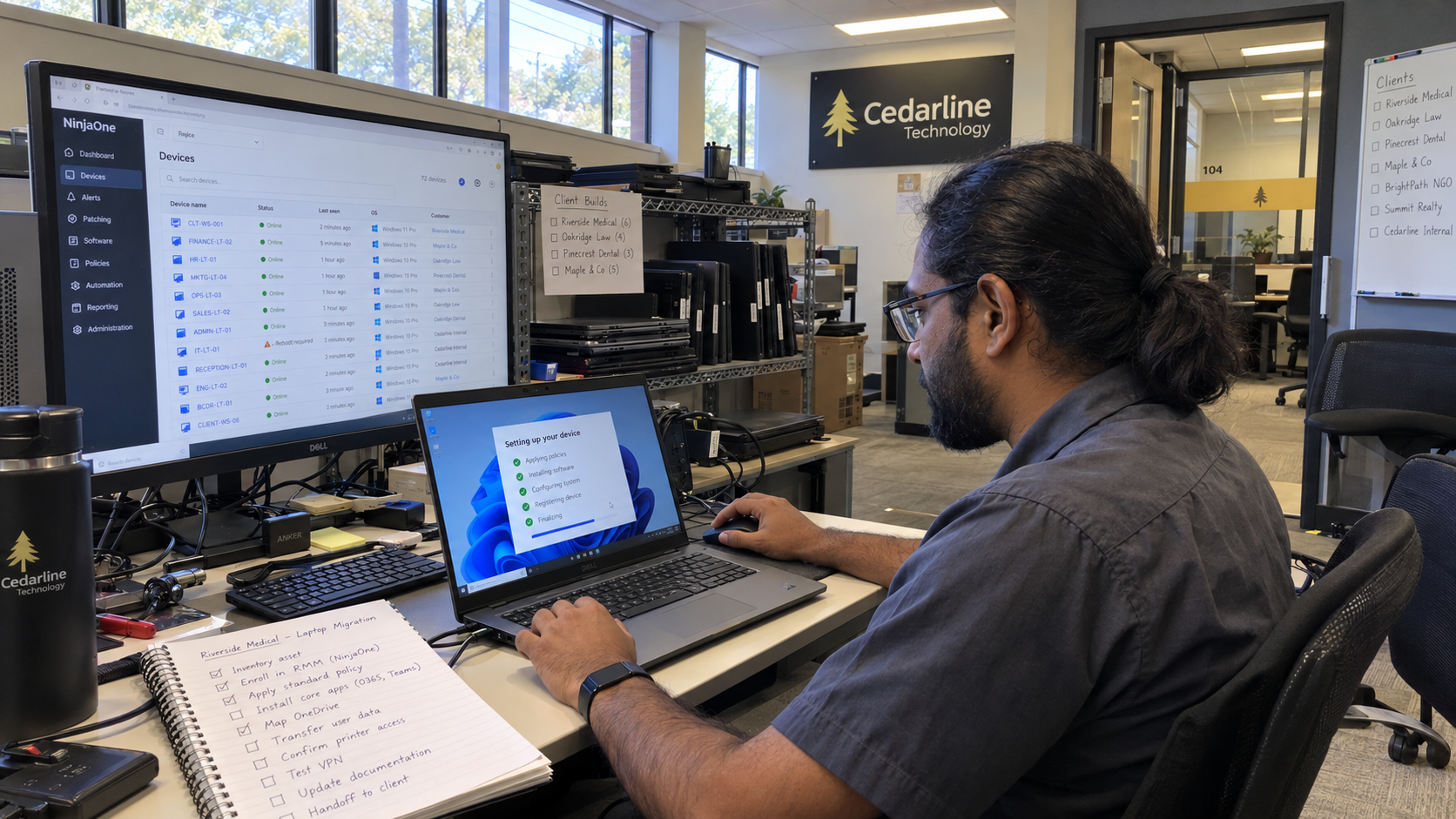
An RMM migration needs a costed case for work the replacement can do better, with the transition work included. I'd compare that case with fixing the current setup before signing a new agreement. A frustrating screen tells you where to investigate; it doesn't establish which option is cheaper or safer.
The MSP model uses RMM automation as its default NOC approach, with leftover alerts handled by the desk. That makes the decision a service-delivery change. The comparison needs to include the policies, automation, integrations, and technician work you depend on, rather than the license price alone.
Separate Tool Failures From Setup Problems
Start with the problems recorded in your own work. For each, name the expected behavior, what happened, the affected scope, and the resulting technician effort or client impact. Keep the ticket and vendor-support history with that entry.
Then establish what you know about the cause. A policy may be wrong, an integration may be unreliable, or a required capability may be absent. Those need different responses. If the cause is still unknown, write the test needed to distinguish them.
Think of a migration as moving a workshop. The new room doesn't sort the drawers you packed. Copying an unexplained policy into another system can carry the same confusion with it, so document the intended behavior before deciding where it belongs.
Have the tool owner review the current configuration against the requirement. Ask the vendor to demonstrate a proposed fix where support is relevant. Record what changes, what remains unresolved, and the effort your team would need to maintain the result.
Define What the Replacement Must Prove
Turn each material problem into an acceptance test. State the environment, required action, expected result, and evidence you will inspect. Don't let a sales demonstration with different assumptions count as a test of your client work.
Say the problem is unreliable ticket routing from an alert. Test the complete route you require: the triggering condition, the alert handling, the ticket record, assignment, and the technician's next action. Use an environment you are authorized to test, and check the result in the receiving system.
If automation is part of the case, inspect the actual behavior and target scope. Establish what approval it needs, how the action is recorded, how you stop it, and how you recover when the result is wrong. Verify those requirements with the proposed product rather than assuming every tool offers them in the same way.
I'd have a technician who will operate the tool perform the test and record the steps. Include the difficult cases from your work history. A successful straightforward example doesn't establish that the exceptions you support will behave correctly.
Compare the Complete Costs
Use the same planning period and client scope for both options. Separate recurring supplier charges, one-time transition work, and ongoing technician effort. Keep contractual commitments visible beside usage-based charges so a hoped-for cancellation isn't treated as money already saved.
| Cost or Commitment | Fix the Current RMM | Move to the Replacement |
|---|---|---|
| Supplier Charges | Current agreement, required modules, and any proposed support or service cost | Quoted replacement terms, required modules, and any overlap or remaining old commitment. |
| Implementation Work | Diagnosis, policy repair, integration changes, and verification | Inventory, policy rebuild, integrations, deployment, testing, documentation, and training. |
| Ongoing Work | Expected maintenance and unresolved manual tasks after the fix | Expected maintenance and manual tasks after the replacement passes the tests. |
| Transition Exposure | Effect of the repair and the recovery approach | Coverage during the move, exceptions, recovery, and the conditions for retiring the old service. |
Estimate labor from named tasks and the people required, using your actual burdened cost and productive capacity. Distinguish capacity released from payroll removed. Fewer manual steps may help your team carry more work, but they don't reduce a salary bill unless a separate staffing or spending change occurs.
The US model allows $22.50 per seat per month for the whole managed delivery tool stack at its example price. That isn't an RMM quote or a standalone migration budget. Compare the real supplier proposal with the complete stack and check whether another tool or service remains necessary.
Don't multiply the current RMM fee by the endpoint count and call the difference the return. Add the work of the move and the commitments that overlap. Then show the condition under which any recurring saving begins.
Plan the Transition Before Choosing a Date
Inventory what depends on the current system. Include required policies, automation, integrations, reporting, access arrangements, and the client-specific exceptions you have agreed to support. Assign an owner to each dependency so an unresolved item can block the relevant transition.
Choose an initial scope that lets you test the required workflows without exposing the whole client base at once. Define that scope from the environments and risks you need to examine. The model supplies no universal pilot duration or device count to copy.
Write the service checks and the conditions for stopping or reversing the move. Identify who can make that decision and what recovery actually requires. If a step cannot simply be reversed, make the limitation part of the approval rather than discovering it during a failed change.
Where systems overlap, settle which one is responsible for each action and how you will verify that responsibility. Don't assume duplicate tooling provides useful cover. The test should show which service is active and what happens when you remove the old dependency.
Check Who Carries the Work During the Move
A migration can compete with client projects and routine service. Put the transition tasks in the same capacity plan as the work those technicians already own. If the plan depends on evenings or another person covering the desk, price and agree that arrangement.
Train the team on the procedures they will use, including exceptions and escalation. Update the client records and the internal instructions that point to the old tool. The model favors a standard stack with technicians trained on it; a new standard needs an operational handoff.
Name the person who will verify that an environment has completed its transition. Keep unresolved exceptions visible with an owner. Don't retire the old service just because an installation count has reached the number you expected.
Make the Decision From the Test Results
I'd choose between repair and migration using the same written checks:
- The tool owner records which requirements each option has demonstrated and what remains uncertain.
- Delivery prices the transition and ongoing work, including the commitments it would displace.
- Finance checks actual supplier terms, overlap, and the date any expense can be removed.
- The owner accepts the remaining risks and approves the option the team can carry.
Keep the expected result with the approved plan. After the change, compare the observed work and cost with that baseline, while checking for changes in client scope or demand. A quieter alert view alone doesn't prove better coverage or lower delivery cost.
Start with the unresolved problem doing the most damage to your service plan. Establish whether the current tool can meet the requirement, then require the replacement to prove the same thing. Sign the migration case only when the demonstrated difference justifies the work of moving.

mspoutpost.com/articles/price-an-rmm-migration-before-replacing-your-msp-tool
Written by Dana Kowalski
MSP Outpost publishes information, not legal, financial, insurance, tax or compliance advice, and reading it creates no professional relationship. For decisions about your business, talk to a qualified professional.