
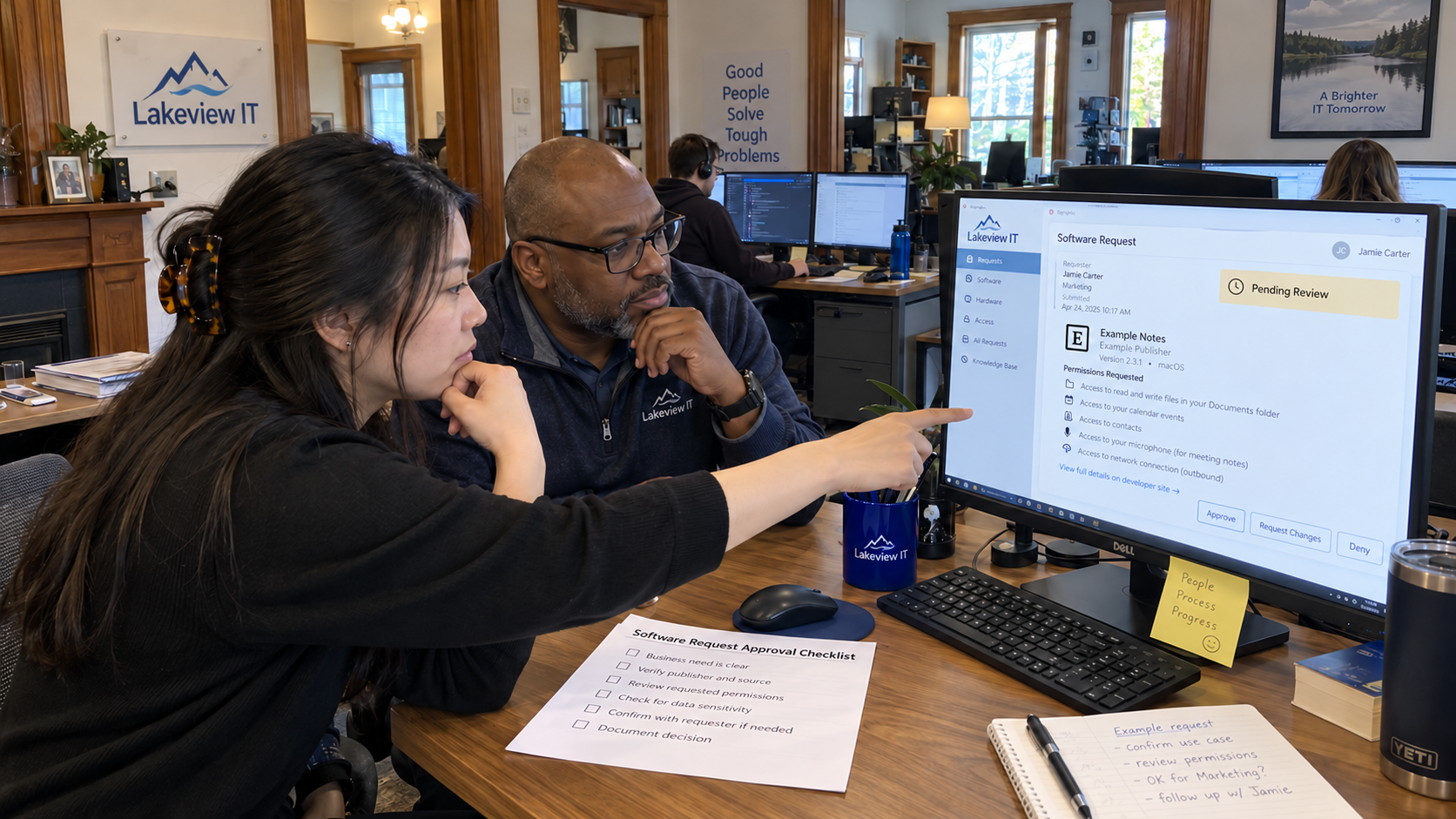
Test the claim “enterprise-grade” against the access an application actually requests. A software approval process should collect the business need, route the review to named owners and give the requester a clear answer. Agree a response target your team can staff, including what happens when the review needs more information.
My view is that the request should be easier to submit than to evade. Start with a short form linked to the client's support route. It can help staff ask before signing up, but a form won't tell you every app got reviewed.
Ask for Enough Information to Review the Use
Keep the initial form within what the requester knows. A technician can obtain the technical detail afterward. Ask for data categories rather than asking someone to upload confidential client information to demonstrate the problem.
| Request Field | What the Requester Provides |
|---|---|
| Business Task | The work they need to complete and what is difficult with the present method. |
| Application | The product name and official vendor link, including the relevant service or plan if known. |
| Proposed Users | The team or group that would use it and the responsible business manager. |
| Data Involved | The types of information the task would put into the app, without attaching the sensitive records themselves. |
| Connections | Any proposed connection to existing business systems or a screenshot of the requested permission names. |
| Purchase Owner | The person responsible for the budget and the proposed billing arrangement. |
| Needed Date | When the work requires a decision and the consequence of a delay. |
| Existing Use | Whether anyone has already registered, connected an account or entered business data. |
Include an honest route for existing use. If an employee has already connected the app, the reviewer needs to know what access was granted. Treat that as a current situation to assess, rather than marking the request as an untouched proposal.
Assign the incoming request to a named coordinator. That person checks for missing information and tells the requester who owns the next step. A form that sends an email to an unattended group has mainly automated the waiting.
Separate the Business Decision From Technical Access
The client’s business owner confirms the need and who may fund it. The MSP technical reviewer assesses the proposed integration and the support implications within the agreed service. Bring the client’s responsible specialist into data or contractual questions that fall outside the MSP’s authority.
Treat an approval like a visitor badge for a defined purpose: it identifies what has been permitted and where it applies. Record the intended use and its conditions. A different use needs to be checked against that decision rather than inheriting approval from the product name.
Ask the technical reviewer to identify the permissions required for the actual task. Compare them with what the application requests. A logo you recognize doesn't answer that.
The technical owner must check the intended scope before implementing the business decision.
Keep the permission review with the request. It depends on the data involved and on what the proposed integration can read or change. An app approved for a limited task shouldn't silently become an approval for every department’s information.
Check the Support Work the App Creates
Confirm whether an existing approved option can meet the need. If it can, explain how the requester can use it and what help is available. Don't close the request with an unexplained product name if the person still can't complete the work.
Where the app creates unfamiliar support work, review that responsibility before promising to own it. Erick Simpson recommends assessing unusual requests for later support needs and considering whether a capable partner is appropriate. That practitioner scope advice fits the approval conversation; approval doesn't itself create an unlimited support obligation.
State who will administer the app after it is introduced. Check how the business will retain its records and remove the relevant access when use ends. An account owned only by a departing employee can leave the next administrator discovering the gap when they need to make a change.
Preserve the agreed security baseline while considering the new workflow. The model includes baseline security in every plan. If the proposed use can't meet the required control, record the issue and assess an acceptable alternative rather than quietly treating the control as optional.
Give an Answer With an Owner and a Reason
Make the decision useful to the employee. An approval should explain the permitted use and the implementation step. A request for more information should name what is missing and who will obtain it, with a new update commitment.
For an approval with conditions, a proposed reply is: “We've approved this use for the named team. Please wait for the technical owner to complete the agreed setup before connecting business data. The request record describes the access and support conditions.” Adjust that wording to the actual decision.
For an unresolved permission question, say: “We need the publisher to explain this requested access before we can approve the connection. Our reviewer owns that question, and we'll update you at the agreed time. This isn't yet permission to proceed.” Keep the request visible while that work remains open.
For a refusal, describe the reason and the viable next route. An employee asking for help completing a business task still has that task after the app is declined. If no alternative is ready, take the gap back to the responsible business owner instead of pretending a refusal solved it.
Set the Response Target From the Actual Review Queue
Agree the target with the client using the reviewer capacity and the kinds of request you expect. Define whether it concerns an initial answer or a completed assessment. Record what starts the clock and how missing information affects the next update.
The model supplies no universal approval duration. A simple request may be ready to decide while another needs specialist input. Promise a clear next response you can deliver rather than calling every acknowledgment an approval or treating silence as consent.
Give the coordinator a route for a missed update and the client a route for an urgent business need. Urgency should produce an explicit decision by the authorized person. Urgent doesn't make the tech the approver, and it doesn't make the review go away.
Keep the Decision After the Workflow Runs
Save the request and decision in a record the responsible team can find. M365.FM’s workflow narration suggests a structured approval log that identifies the request and approver, with the action and timestamp retained separately from transient run history. That is a publisher engineering suggestion, not proof that an automation platform supplies the complete evidence by default.
Include the conditions and who accepted them. Review the record when the app’s use or requested access changes. Name who maintains the list of approved uses so it remains a working reference rather than a collection of old approval messages.
Start with a real request and follow it from submission to the employee’s answer. Check that each handoff has an owner and the final decision states what the person may do next. Repair the gaps before asking the client to rely on the process.

mspoutpost.com/articles/software-approval-process-give-staff-a-clear-answer
Written by Dana Kowalski
MSP Outpost publishes information, not legal, financial, insurance, tax or compliance advice, and reading it creates no professional relationship. For decisions about your business, talk to a qualified professional.