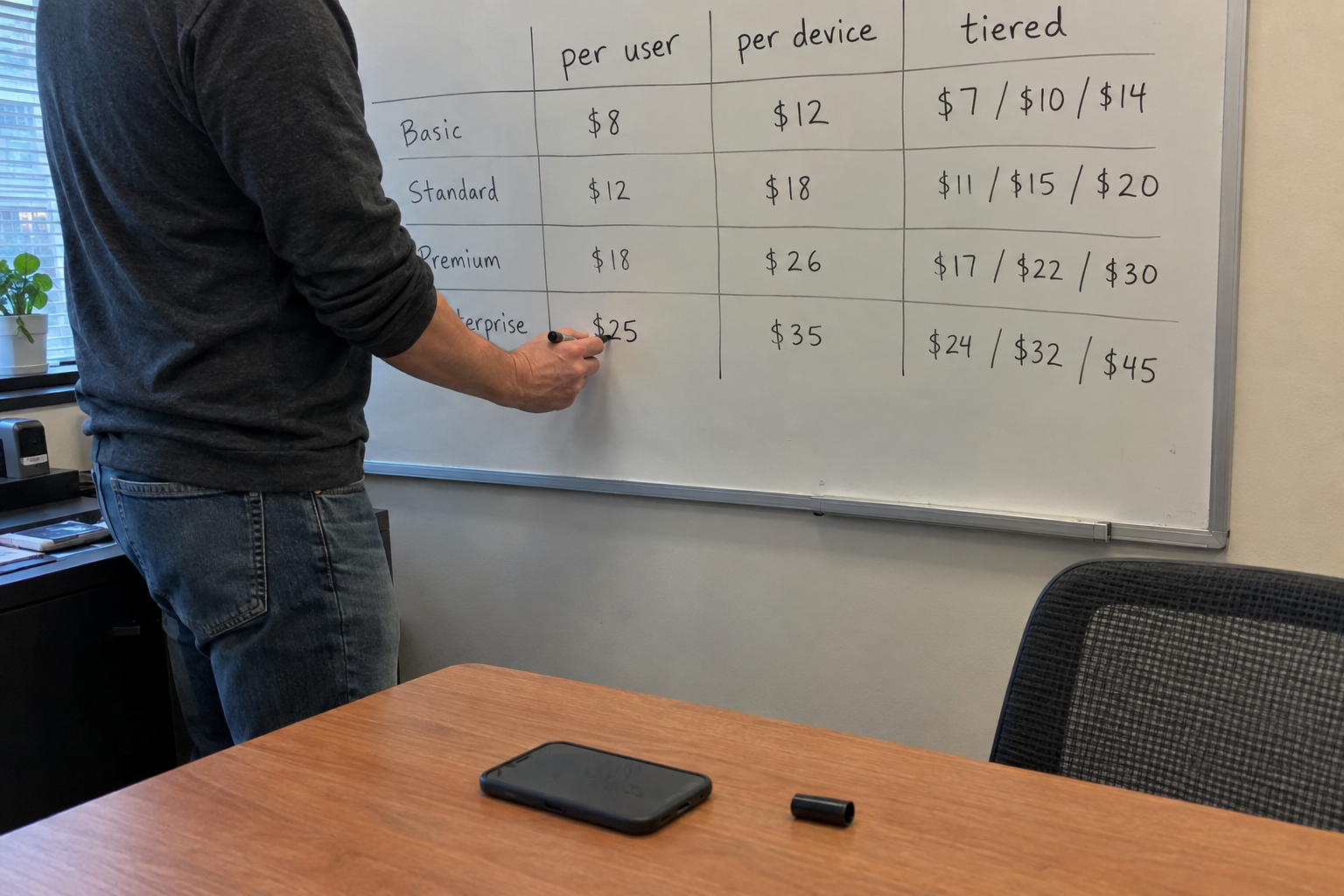
Picture the renewal meeting you're dreading. A client you've billed per user for two years just grew from 20 to 30 people, and every one of them brought a laptop, a monitor, and a phone. Your per-user rate was set when they had 20 seats, and it doesn't cover the 40 devices you're now patching and securing. You have two choices: eat the margin or have an awkward conversation.
The fix is a hybrid: a per-user rate calculated for each client to cover their device count and your margin, plus a separate per-endpoint charge for devices beyond a baseline. You build it from your own cost data, and you roll it out at renewal, not mid-contract. That's the model I'd start with, and this is how you get there without losing a client.
Why Per-User or Per-Device Alone Will Misprice You
Your costs are split between two buckets. Users cost you identity, licensing, and support for the person. Devices cost you RMM, patching, security agents, and the endpoint itself. A pure per-user model ignores the second bucket. A pure per-device model ignores the first.
Say you have a client with 20 users and 40 devices. Your vendor bills you per device for RMM and security, so 20 of those devices are uncovered if you only charge per user. You're financing the gap with margin. The answer isn't to pick one unit and hope. It's to price each client from the numbers you already have.
Step 1: Pull Your Real Costs Per User and Per Device
Before you set any rate, you need your monthly vendor costs split by user and by device. Log into your RMM and your M365 tenant, and list every recurring charge: per-user licensing, per-device agents, security tools, anything that scales with a count. Your PSA has the labor hours per client if you track them.
A simple spreadsheet divides each bucket by the count. If your RMM bill is $800 a month for 100 devices, that's $8 per device. If your M365 licensing is $1,200 for 60 users, that's $20 per user. Add your labor cost per client if you can estimate it: hours per month times your loaded tech rate, divided by users or devices as it applies.
This is the part owners skip, and it's the part that decides everything else. Get the numbers wrong here and the whole model is wrong.
Step 2: Set a Per-User Rate That Covers Each Client's Devices
Now you price each client individually. Take the monthly cost of the client's baseline devices, add your margin, and divide by the user count. That gives you a per-user rate that covers those devices. Then keep a separate per-device charge, at your device cost plus the same margin, for any device beyond a baseline you set, say one device per user.
Worked example: a client with 20 users and 40 devices. The baseline is one device per user, so 20 devices, which cost you $160 a month at $8 each. Your margin target is 30%, so the device portion is $208. Divide by 20 users, and that's $10.40 per user per month. On top of that, charge $10.40 per month for each device over the baseline of 20, which is the same $8 cost plus the same 30% margin. In this case, 20 extra devices at $10.40 is $208, so the total is $208 plus $208, which is $416 a month. That is all 40 devices at $8 ($320) plus 30%, and your margin is intact.
Once the rate covers the devices, most clients fit per-user pricing, with one common exception: a client with an unusually high device count. For that client, you'll quote a custom rate, and I'll come back to that.
Step 3: Move Existing Clients Over at Renewal, Not Mid-Contract
Mid-contract changes invite arguments. At renewal, you have a natural moment to restate the terms. Present the new structure as a renewal package: here's your cost breakdown, here's what changed, here's why it's predictable. And give them the data before you ask for the signature.
Send a monthly report of user and device counts for 90 days before the renewal. The client sees the numbers behind the rate, so the renewal isn't a surprise. Some owners who have done this send monthly reports even after the renewal, so clients can adjust before the next bill.
One caveat: this depends on accurate device counts from your RMM. If you undercount devices, your margin erodes silently. Verify the data before you quote, and re-check it each renewal.
When the Hybrid Model Fails: Unusual Client Shapes
The hybrid has limits. It fails when a client has a very high device-to-user ratio, like 250 endpoints with one or two users. A per-user markup becomes absurd, and a per-device rate or a site-based bundle makes more sense. It also fails when a client refuses itemized lines. In that case, you can combine the user and device lines into one bundle figure on the invoice, as long as your internal calculation still covers costs.
My read: keep the hybrid as your default, and reserve tiered or location-based models for the outliers. Don't let one unusual client dictate your whole pricing structure.
Your Monday: Build the Cost Spreadsheet
Start with the spreadsheet. Pull your vendor bills, split them by user and device, and calculate your per-unit costs. Then test the hybrid rate on your five largest clients. Run the numbers, see the margin impact, and flag any client whose device-to-user ratio is above 3:1 for a custom quote.
By Friday, you'll know which clients fit the hybrid and which need a tiered or site-based approach. That's the decision you own now, and the spreadsheet is the tool that makes it.

mspoutpost.com/articles/per-user-per-device-or-tiered-picking-a-pricing-model-for-your-msp
Written by Graham Whitfield
MSP Outpost publishes information, not legal, financial, insurance, tax or compliance advice, and reading it creates no professional relationship. For decisions about your business, talk to a qualified professional.