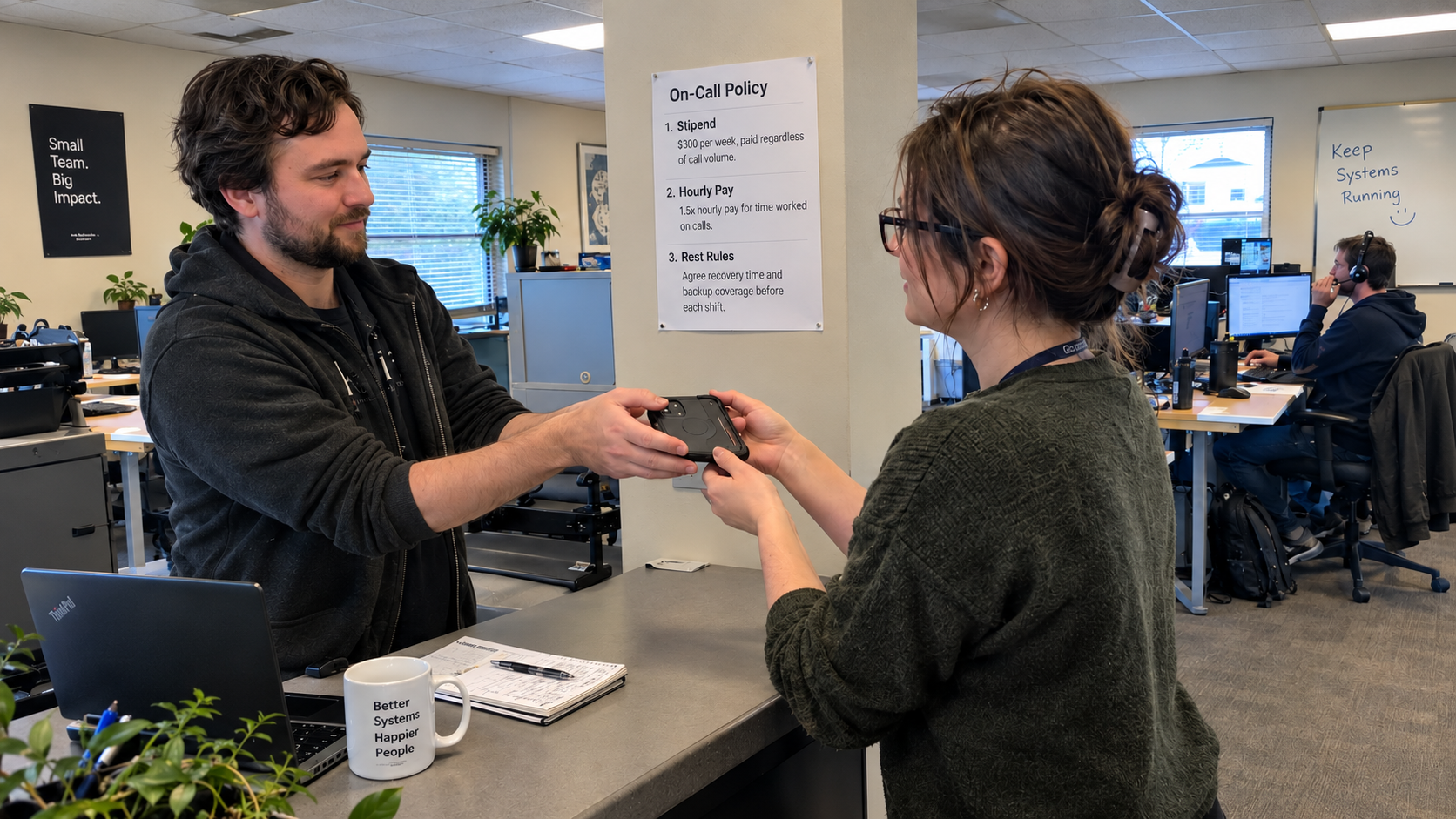
You've hired the tech and the start date is set, but there's no new employee onboarding plan written down. Prepare one before they arrive so observation, practice and independent work have a clear place on the calendar.
The fix is to write the plan this week, before they walk in. A 90-day calendar in three phases: observe, shadow, act. Then a weekly 15-minute check to adjust it. That's the whole system, and it fits on one page.
I'd start by printing a blank calendar and filling in the phases by week. Month one is observation and shadowing. Month two is taking low-risk tickets with review. Month three is solo work with weekly case reviews. Then you adapt as you go.
Pair Them With the Right Tech, Not the First Available
The buddy question comes second, but it decides whether the plan works. Pair on skill gaps, not seniority. A tech who's strong technically but shaky on client calls needs a buddy with soft skills, not the most senior person in the room.
You also have to check the workload. If the only candidate buddy is the owner, the pairing will die in week two. Picture a five-person MSP where the owner is the senior tech. They cannot spare 20 hours a week to mentor, and the plan fails before it starts.
So decide the pair in week one, after you've watched the new tech work for a few days. And agree up front that you'll switch pairs if it's not working. A pairing that bottlenecks the new tech's progress is worse than no pairing at all.
Weeks 1-4: Watch the Tech Work, Then Have Them Shadow
Month one is about seeing the machine before touching it. The first week, the new tech sits beside the buddy and watches tickets flow. How the PSA queues work. How techs talk to clients. What gets logged where. No fixing anything yet.
Weeks two through four, they shadow. They log incidents under their own authorized accounts, co-author resolutions, and run small tasks under watch. The honest cost here: the buddy loses up to 20 hours a week of their own productivity in month one, and ticket resolution slows while the new tech watches instead of works. Budget for it.
The trap is assuming a mid-level hire doesn't need tool training. Someone who spent three years in in-house IT may have never seen an MSP's PSA or RMM. The tools are different, the client cadence is different. Tool training is real training, even for a senior.
Weeks 5-8: They Take Tickets, With a Safety Net
By month two, the new tech takes real tickets: password resets, standard software installs, the low-complexity stuff that still needs a human. Every ticket gets reviewed with the buddy before it closes. Every call gets a second ear.
Pick a simple client for this phase. Say you have a dental office with one site, flat network, ten endpoints. That's the right place for them to learn on. Not the client with six sites and SD-WAN routes. Not yet.
The weekly check-in is where you see whether the safety net is holding. Review resolution quality and client communication. If the tech is drowning, adjust the next week's targets down. If they're bored, speed up. The plan is a draft, not a contract.
Weeks 9-12: They Go Solo, With Weekly Case Reviews
Month three, they own tickets. They close them, they call clients, they manage their own queue. You still review three closed tickets a week and listen to one recorded call. That's the review that catches what a ticket never shows.
Give them a small client to own outright. One with simple infrastructure and a tolerant contact. Check their open queue once a week and look for tickets aging past the SLA. The review tells you whether they're ramped or need another month.
If the weekly check-in gets canceled twice in a row, the plan is dead. That's the main failure mode. A 15-minute slot is small enough to protect. Cancel it and you'll find out in month six, when the tech is still escalating everything.
When This Plan Won't Work (and What to Do Instead)
This plan assumes three things: you have a second tech to pair with, your clients are typical SMBs with one site and standard endpoints, and you have some documentation of their environments. When those don't hold, adjust.
No second tech? The owner is the only senior person? Then price a contractor for the first month or an external onboarding program, and compare that cost with the owner's actual availability. Choose who can provide the supervision before committing to the start date.
Complex clients, the multi-site SD-WAN or compliance-heavy verticals? Extend the shadow phase. Let the new tech watch the network team for two weeks before they touch a ticket. The risk of breaking something expensive is not worth a faster ramp.
No documentation? Then month one has to include building it. Have the new tech update the wiki as they learn each client. It slows them down and it makes the knowledge base real.
My view: a comfortable check-in is not proof that the work is going well. Ask specific questions: "Which ticket took you longest?" and "What did you have to look up?" Review those answers with the ticket record instead of relying only on "How's it going?"
The constant across every version of this plan is the weekly check. That's where you catch the overload, the skill mismatch, the pair that isn't working. Set the recurring 15-minute meeting on your calendar Monday morning. It's the first thing to do, and it's the thing that makes the other 89 days matter.

mspoutpost.com/articles/new-employee-onboarding-plan-for-your-next-msp-tech
Written by Megan Friesen
MSP Outpost publishes information, not legal, financial, insurance, tax or compliance advice, and reading it creates no professional relationship. For decisions about your business, talk to a qualified professional.